First impressions decide trust
Users form a credibility judgement in under 100 ms — before they read a single word. A site that signals craft converts higher, even when copy and offer are unchanged.
Website Design
A SeoMata design engagement starts from buyer intent and SEO surface area — not from a Dribbble shot. We design conversion-first marketing sites for service businesses, ecommerce brands and B2B teams, then hand off a Figma file and design system your engineers can actually ship from.
47%
Median conv. lift
after redesign + SEO
8s
First-impression window
value + trust + CTA above fold
60+
Reusable components
in the standard system
AA
WCAG 2.1
baseline for every project
Most agencies use "design" to mean the visual layer — colours, typography, hero images. We use it for the entire decision layer that sits between business strategy and engineering: information architecture, page templates, content modules, conversion flow, trust signalling and the design system that makes new pages cheap to ship.
Visual polish matters, but it is the smaller half of the work. The expensive failures come from sites that look polished but route the wrong content to the wrong intent, or hide the primary CTA below three scrolls of explanation.
A website design engagement at SeoMata always answers, before any pixel work, three questions: which searches must this site own, what is the offer we are asking for, and what does the buyer need to see in the first 8 seconds to take the next step?
3
Conversion paths
per page minimum
< 100ms
INP target
real-device, mid-range Android
0
Plugin page-builders
we ship clean components instead
Why it matters
Most leadership teams can name "we need a better website" but find it hard to defend the investment internally. The six points below are the ones we walk decision-makers through.
Users form a credibility judgement in under 100 ms — before they read a single word. A site that signals craft converts higher, even when copy and offer are unchanged.
Across our redesigns, the median lift in qualified-lead rate is 47%. The biggest contributors are clearer offers, shorter forms and trust signals placed near the CTA.
Page templates, H1/H2 structure, internal-link density and schema all live in the design layer. Bad templates are SEO debt that compounds with every new page.
LCP, INP and CLS are mostly decided by image strategy, font loading, hero patterns and third-party scripts — every one of which is a design decision before it is an engineering one.
A site with a real component system lets the marketing team ship a new service or city page in hours. A site without one needs an engineer for every change.
When the brand grows to 5 / 20 / 100 pages, ad hoc design choices become visible. A documented design system keeps every new page on-brand by default.
System
Every engagement delivers a documented design system, not just key art. The components below are part of the standard library; you keep the source files in Figma and the engineering implementation in your repo.
Colour, typography, spacing, radius, elevation, motion. Defined as design tokens, mapped 1:1 to CSS variables in the build so the team can theme later without a rewrite.
Service hero, ecommerce hero, content / blog hero, landing-page hero. Each one is engineered for above-the-fold offer + trust + CTA on mobile.
The card grid + filter + comparison row pattern used for service catalogues, packages and product collections. Optimised for skimmability.
Logo wall, named testimonials, case-study link cards and inline review counts. Always paired with a CTA so trust does not stop at the trust block.
Accordion with anchor links, structured for FAQ schema. Reused on service pages, packages, contact and post-CTA pages.
Hero form, in-line CTA banner, exit-intent modal (optional), embedded scheduling, dedicated landing-page form. All wired to GA4 events.
Process
A design engagement is six stages long, regardless of size. Each stage has a named owner on our side, a named approver on yours, and a written deliverable.
Stakeholder interviews, competitor analysis, GA4 + GSC review, sales conversation review. We come back with a one-page buyer-intent brief.
Sitemap, URL plan, page-type catalogue, content model. Reviewed against the keyword map before any visual work begins.
Foundations, tokens, components and the 4–6 most important page templates. Delivered in Figma with a public preview link.
Page templates filled with real copy and real imagery (no lorem). Reviewed page-by-page so engineering builds against final content.
During engineering, the designer pairs with the front-end engineer through QA so the live build matches the Figma source — including the parts that are easy to skip on mobile.
A 60-minute system walkthrough, a written editor guide, and a 30-day post-launch window for follow-up design tweaks.
Templates
A standard SeoMata website design engagement ships these page templates as a starting set. Sites with more surface area (multi-location, multi-service) add city pages, service-line pages and case-study templates on top.
Home page
Above-the-fold offer, three primary conversion paths, social proof, service overview, secondary CTA, footer with trust.
Service page (primary template)
Hero offer, benefits, what-is-included, process, comparison, FAQ, testimonial, CTA. Reused for every service offering.
Pricing / packages
Three-tier card layout, comparison table, FAQ, anchor links to plan details, embedded form.
About / team
Founder narrative, team grid, values, methodology, awards / press, CTA to talk to us.
Contact
Multi-step form (optional), embedded calendar, phone CTA, location info with structured data.
Blog / resources index
Filter by category, featured posts, infinite-load list, newsletter capture, related categories.
Article / long-form
Sticky on-page TOC, reading progress, inline CTAs, share / save, related articles, schema markup.
Case study
Outcome KPIs at top, narrative, before/after screenshots, scope, services used, related case studies.
SEO
SEO is mostly decided by templates, not by post-launch tweaks. The six decisions below are made during design and cannot be retro-fitted without partial redesign.
Where the H1 sits, how long it is, and whether it adapts per page. A service page H1 that drops the city name loses every "[service] in [city]" query.
How many in-context links each template carries to related services, articles and case studies. Sparse linking is the most common topical-authority blocker.
Different intents need different modules: comparison table for evaluation queries, FAQ block for informational, pricing card for transactional.
How much of the keyword + offer + trust is above the fold. Long heroes with no content above the fold rarely rank for competitive queries.
Service, FAQ, Article, Organization, LocalBusiness, Breadcrumb. We assign each template the right schema at design time so engineers ship it, not retrofit it.
Index pages with infinite scroll and no pagination quietly leak indexable URLs. Designed as paginated with rel="next/prev" + crawlable URL parameters.
Conversion
These six are the patterns that consistently move the conversion rate when introduced to a site that was missing them. We use all of them by default.
Every page has one primary CTA above the fold. Secondary actions live below or in a sidebar so the primary path is never visually outranked.
Every meaningful page has a primary "buy / book / call" CTA and a secondary "learn more / see how" CTA, so visitors who are not ready to buy still have a next step.
Reviews, named clients, certifications and outcome stats appear within 200 px of the CTA — not in a separate section three scrolls away.
Forms ask for the minimum required to qualify and route. Fields beyond name + email + intent only appear in step 2, and the user has already committed.
Mobile sites get a sticky bottom-bar CTA (call + form). Removes scroll friction and recovers the conversions that desktop-mindset designs leave on the table.
Form errors are inline, the right colour, and named ("Email is required") — not a red border with no message. Removes one of the most common silent drop-off causes.
Mobile
Across our service-business clients, mobile sessions make up 58–82% of organic traffic. We design every template on mobile first, then expand to tablet and desktop — not the other way around. This sounds obvious; the visible result of the opposite habit is sites where mobile heroes break, CTAs disappear under the fold and forms scroll horizontally.
In practice this means: hero typography sized for mobile first, primary CTA at thumb height, sticky mobile bottom bar, image variants for at least three breakpoints, font subsetting, lazy-loaded below-the-fold media, and a hard ceiling on layout shift (CLS < 0.1) measured on a mid-range Android over 4G.
On accessibility, all touch targets are ≥ 44 px, contrast is ≥ 4.5:1 for body text, focus rings are always visible, and the page must remain operable with keyboard only and with a screen reader. We treat WCAG 2.1 AA as the baseline, not the stretch goal.
Portfolio
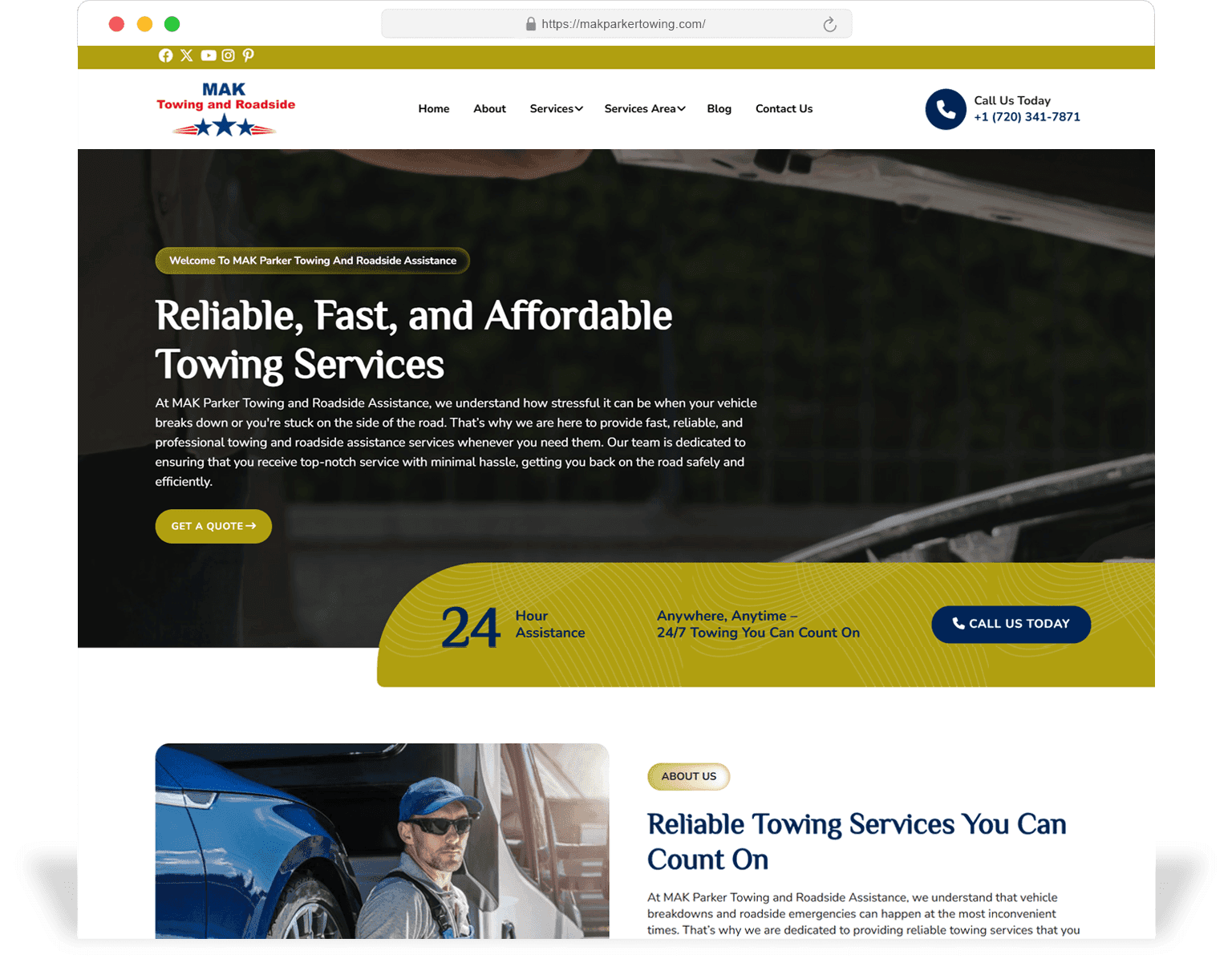
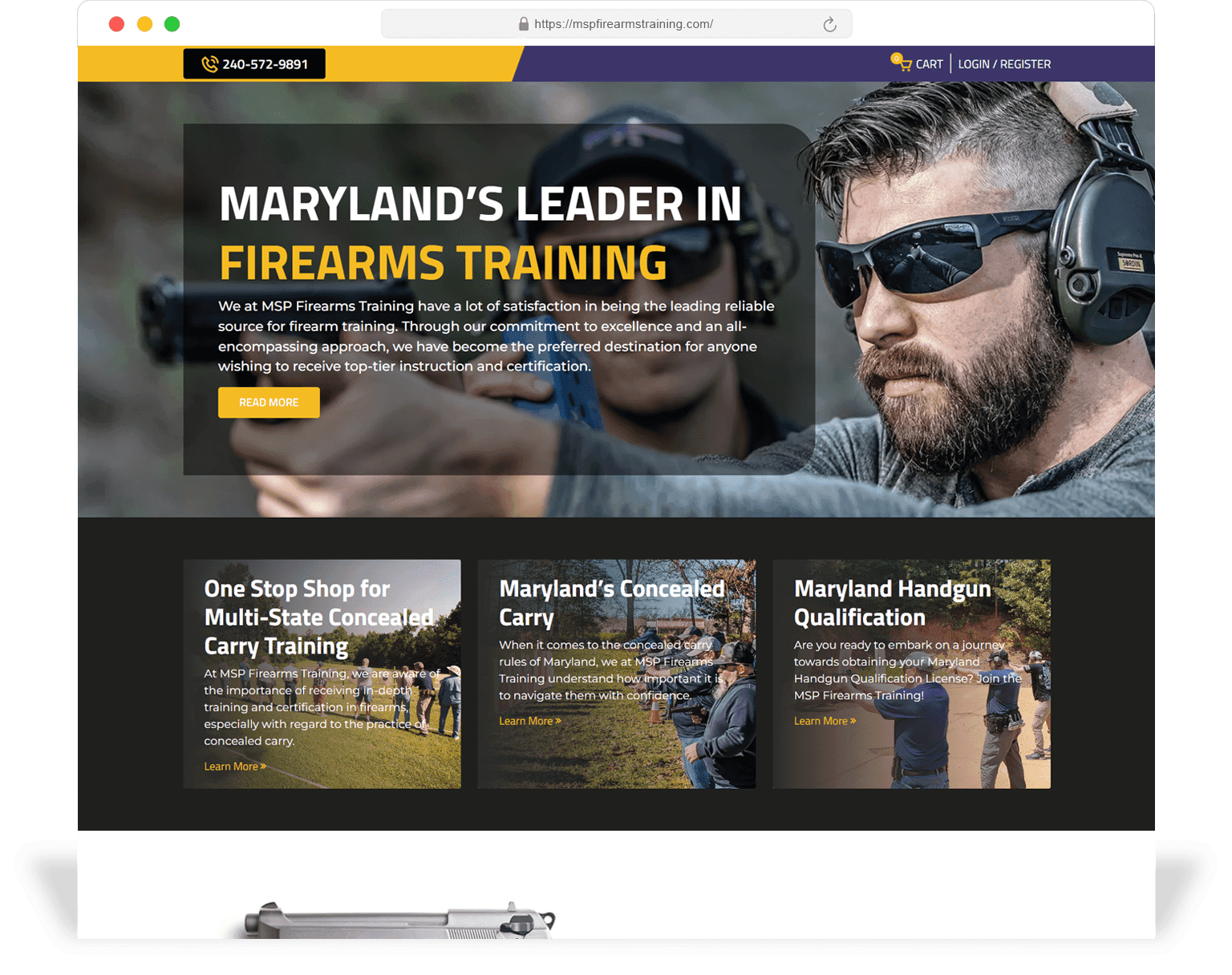
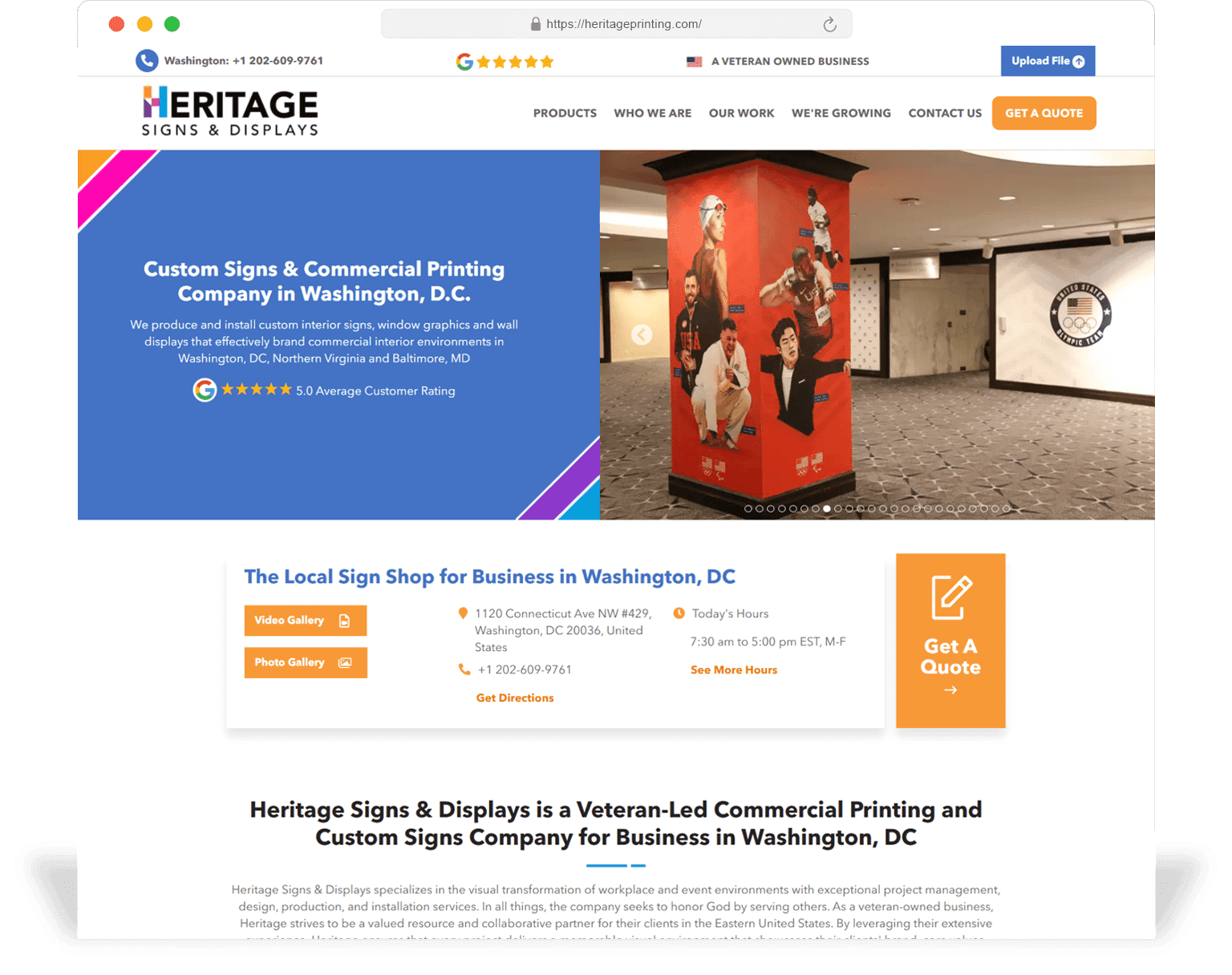
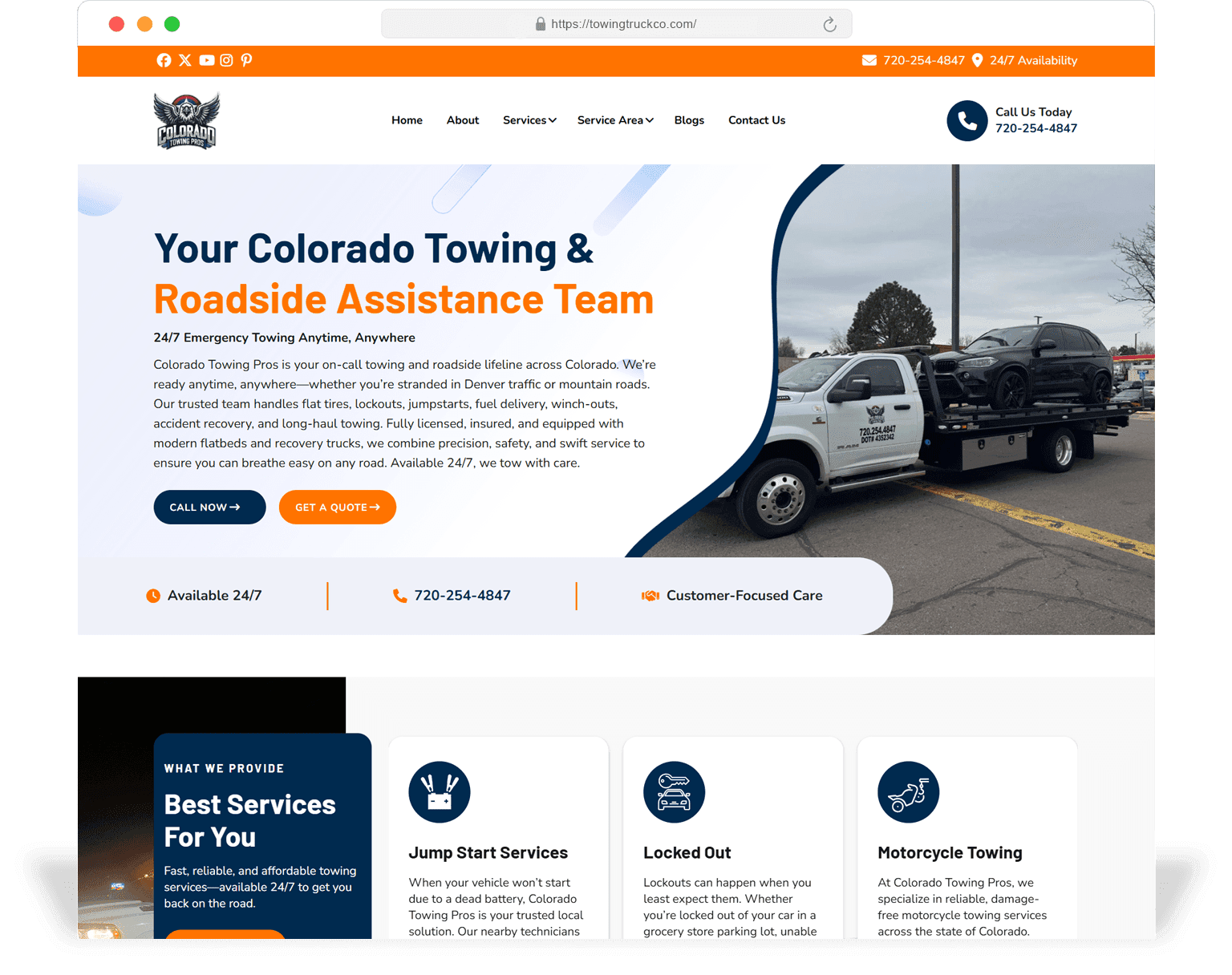
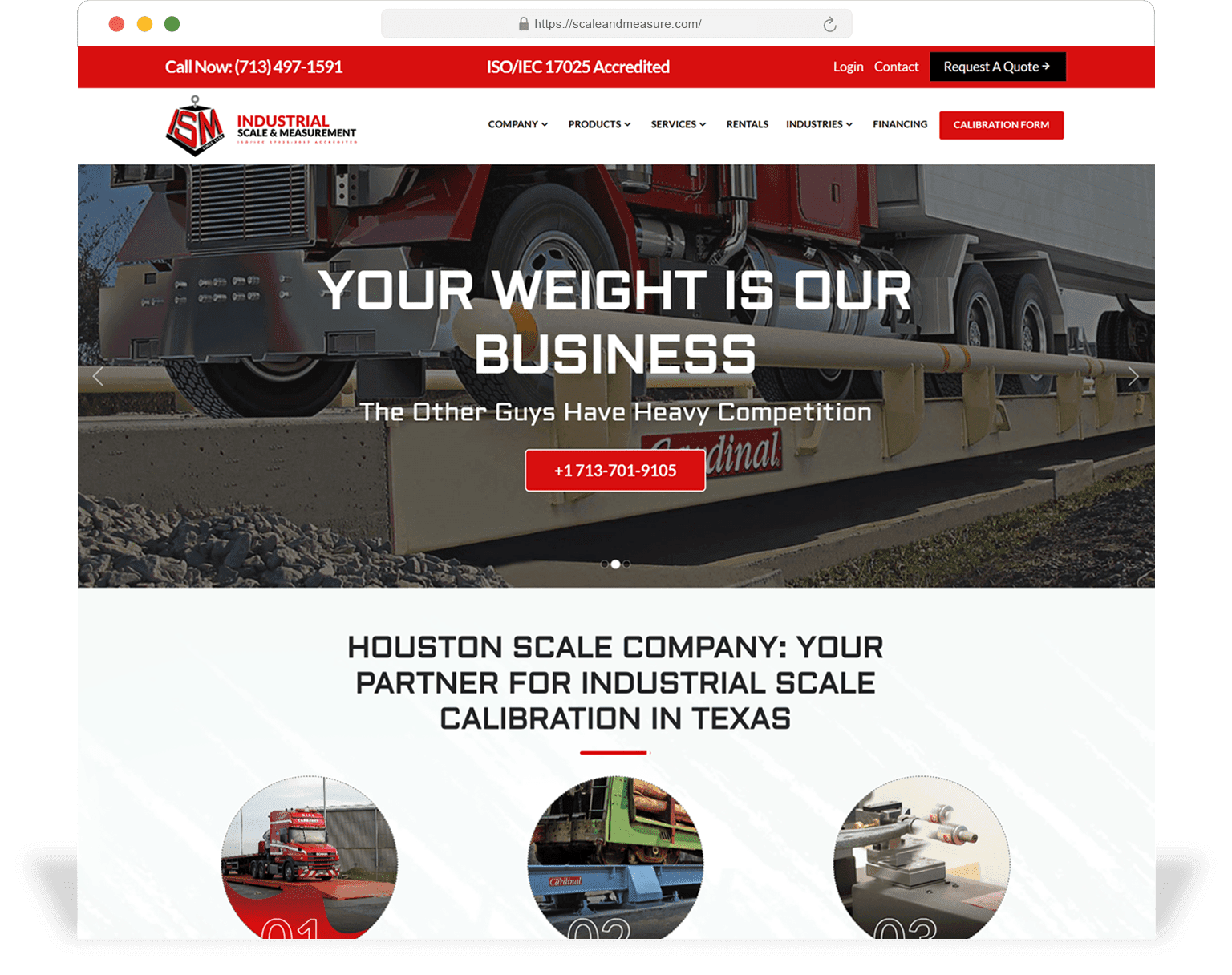
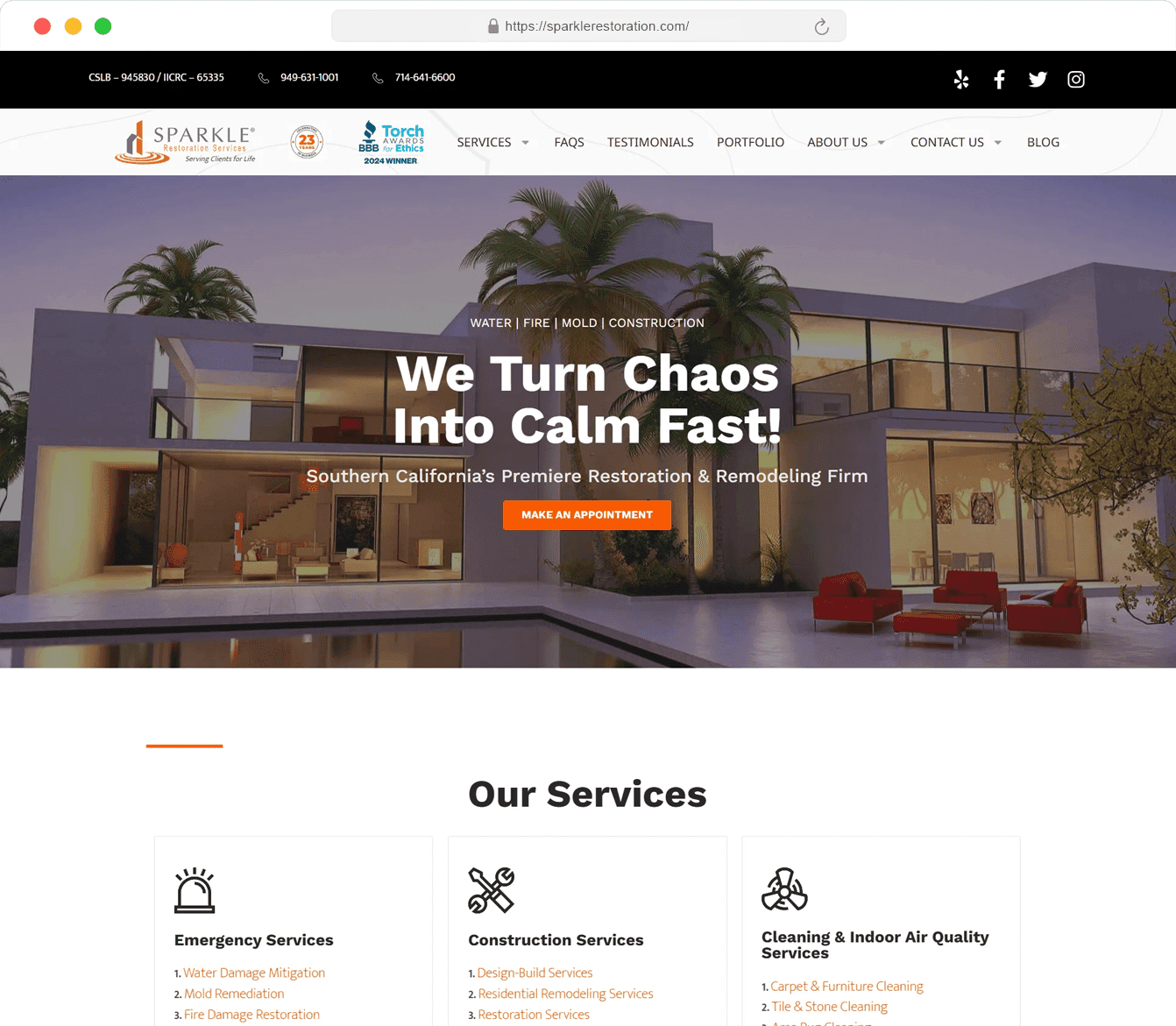
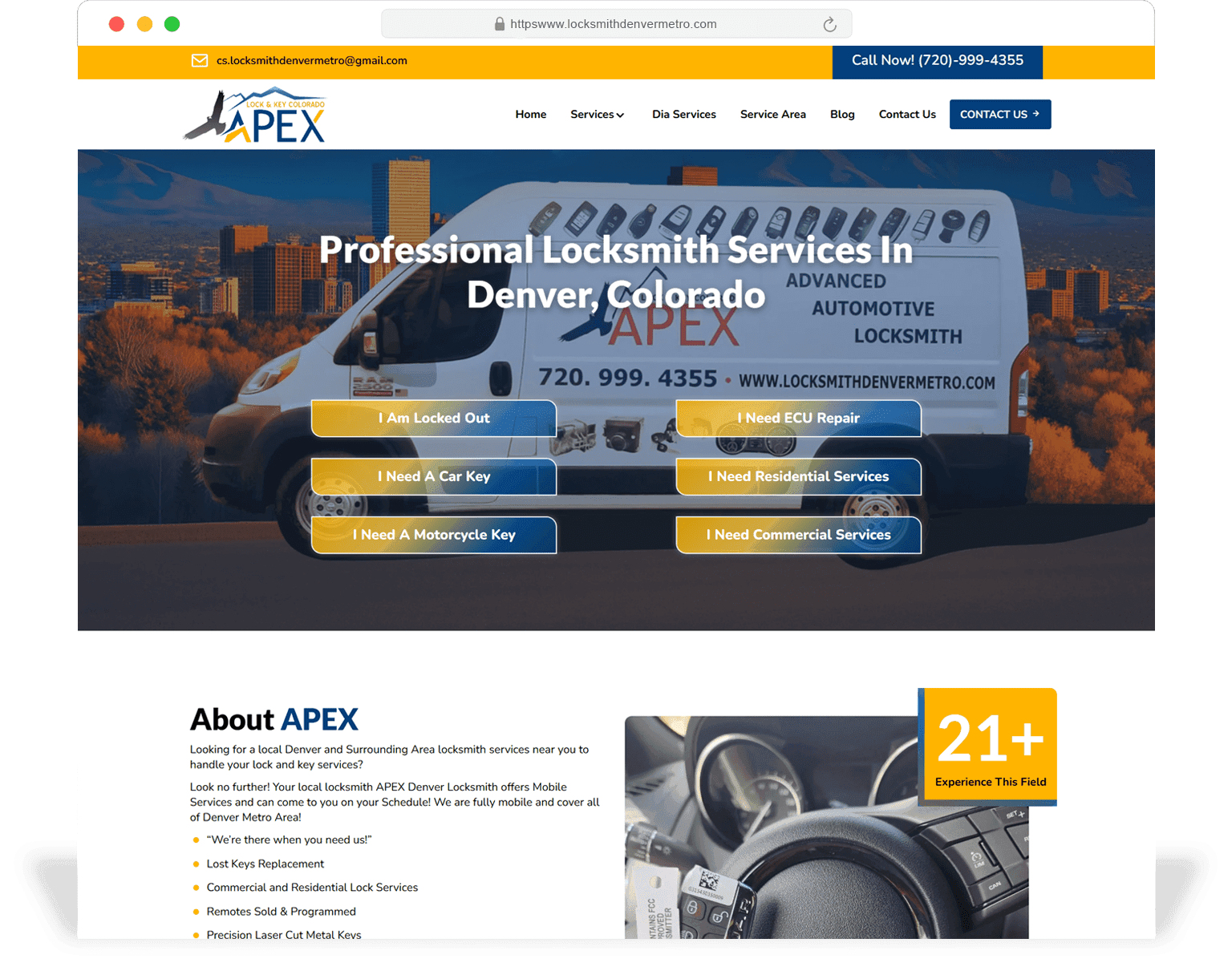
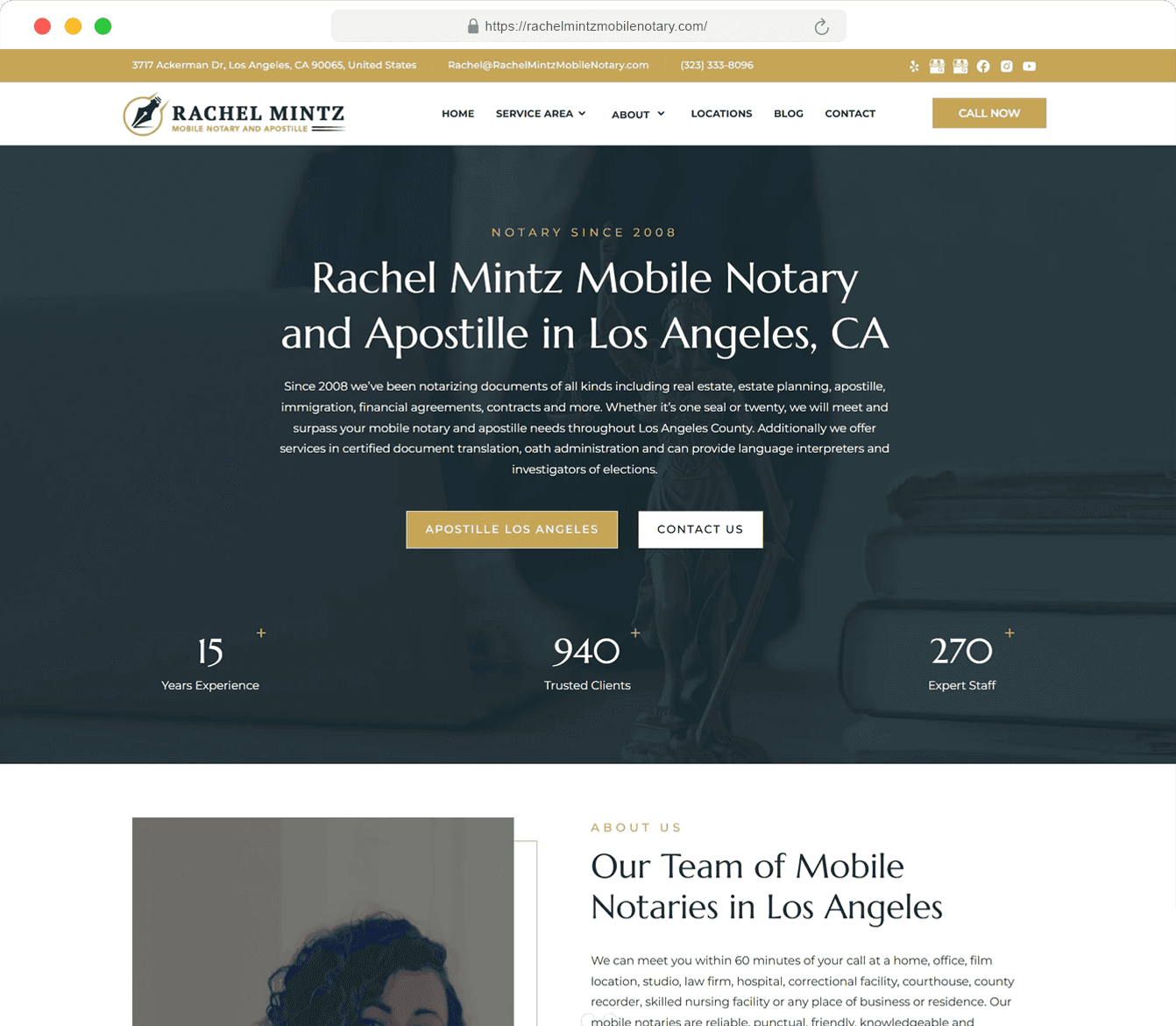
A small slice of recent design engagements across service-business verticals.
Decision aid
Not every business needs a custom-designed site. The table below is the heuristic we use with new clients.
| Theme or page-builder design | SeoMata custom design system | |
|---|---|---|
| Above-the-fold control | Capped by template hero options | Designed per template, per intent, with primary CTA and trust block placed deliberately |
| Editor speed | Fast for existing block types, slow for new templates | Fast for both — every template ships with its component contract |
| Mobile-first | Often desktop-first with mobile responsive added on | Mobile-first by default; desktop expands from the mobile layout |
| SEO ceiling | Caps at what the template allows for H1, internal linking, schema | No ceiling — templates are designed around your target queries |
| Real-device performance | Frequently under target due to builder bloat | Lighthouse ≥ 90 at launch, monitored post-launch on real devices |
| 3-year total cost | Lower if site stays small and offer does not change | Lower if the site grows past ~25 pages or the offer evolves |
For startups under 6 months old we often recommend the theme route + a 4-week design facelift, with the full system as a year-2 investment.
Scope
The list below is the standard inclusion on every website design engagement. Anything outside this is scoped separately.
Buyer-intent brief
One-page brief that frames every design decision against searches we want to win and offers we want to convert.
Sitemap + IA
URL plan, page-type catalogue, content model and redirect map for any retiring URLs.
Foundations + tokens
Colour, type, spacing, motion. Delivered as design tokens, ready to be mapped to CSS variables by engineering.
Component library
At least 60 reusable components (hero variants, modules, blocks, forms, navigation, footer).
Key page templates
6–10 templates including home, service, pricing, about, contact, blog index, article. Each in mobile + desktop.
Content-true mockups
Final templates filled with real content and real imagery, ready to hand to engineering.
Design QA in build
Designer pairs with front-end engineer during the build to catch divergence early.
Editor guide + design tokens handoff
60-minute walkthrough, written guide, exported Figma library, 30-day follow-up window.
Both. About 60% of engagements are design + dev together. The other 40% are design-only — we ship the Figma system and your in-house engineers build it. We do not recommend design-only when the engineering team is heavily ticket-loaded; the build will drift from the design otherwise.
6–10 weeks for the design phase on a typical 30–50 page service-business site. Larger multi-location or multi-service sites run 10–14 weeks for design alone.
AI is a tool, not a deliverable. We use it for ideation, copy drafts and asset variants — but every page that ships through SeoMata has been reviewed and edited by a human designer. Designs that look like a Midjourney render do not convert.
Even better. We take the brand book as input and build the design system within it. If parts of the brand book conflict with conversion or accessibility goals, we will flag those and propose extensions rather than overwrites.
Yes. You own the Figma file and the design tokens. The component library is documented well enough that a freelancer or in-house designer can extend it after handoff.
Yes. We have shipped SeoMata-designed builds on WordPress, Shopify, Webflow, Squarespace, HubSpot CMS and custom legacy stacks. The design system is platform-agnostic.
Start with a free 30-minute design audit. We will review your current site against the patterns in this page, point out the three highest-impact changes, and give you a rough budget range — usually within 3 business days.
Related services
Next step
Request a free design audit and SeoMata will show you where layout, messaging, and trust modules are hurting conversion — and what to change before a full redesign.