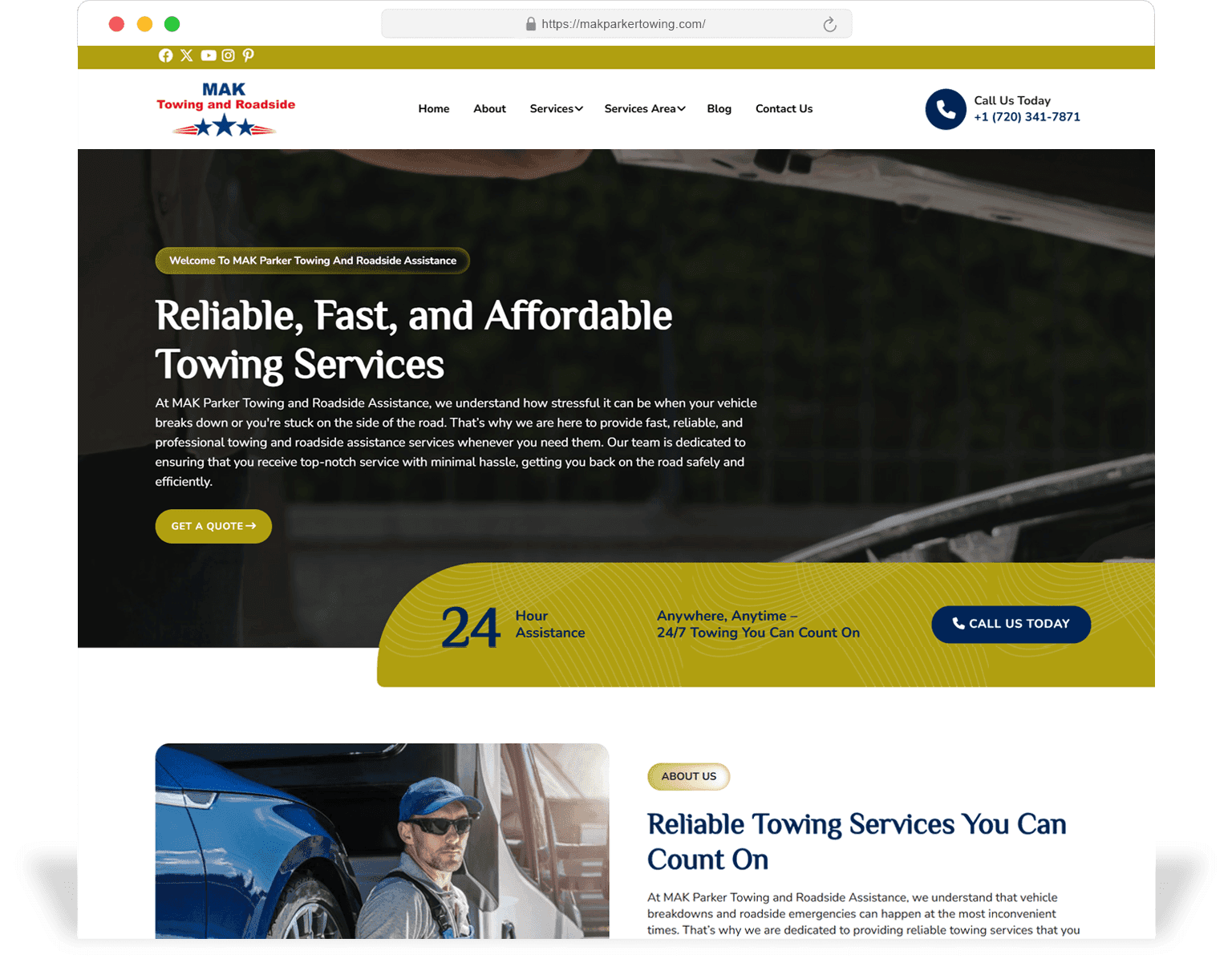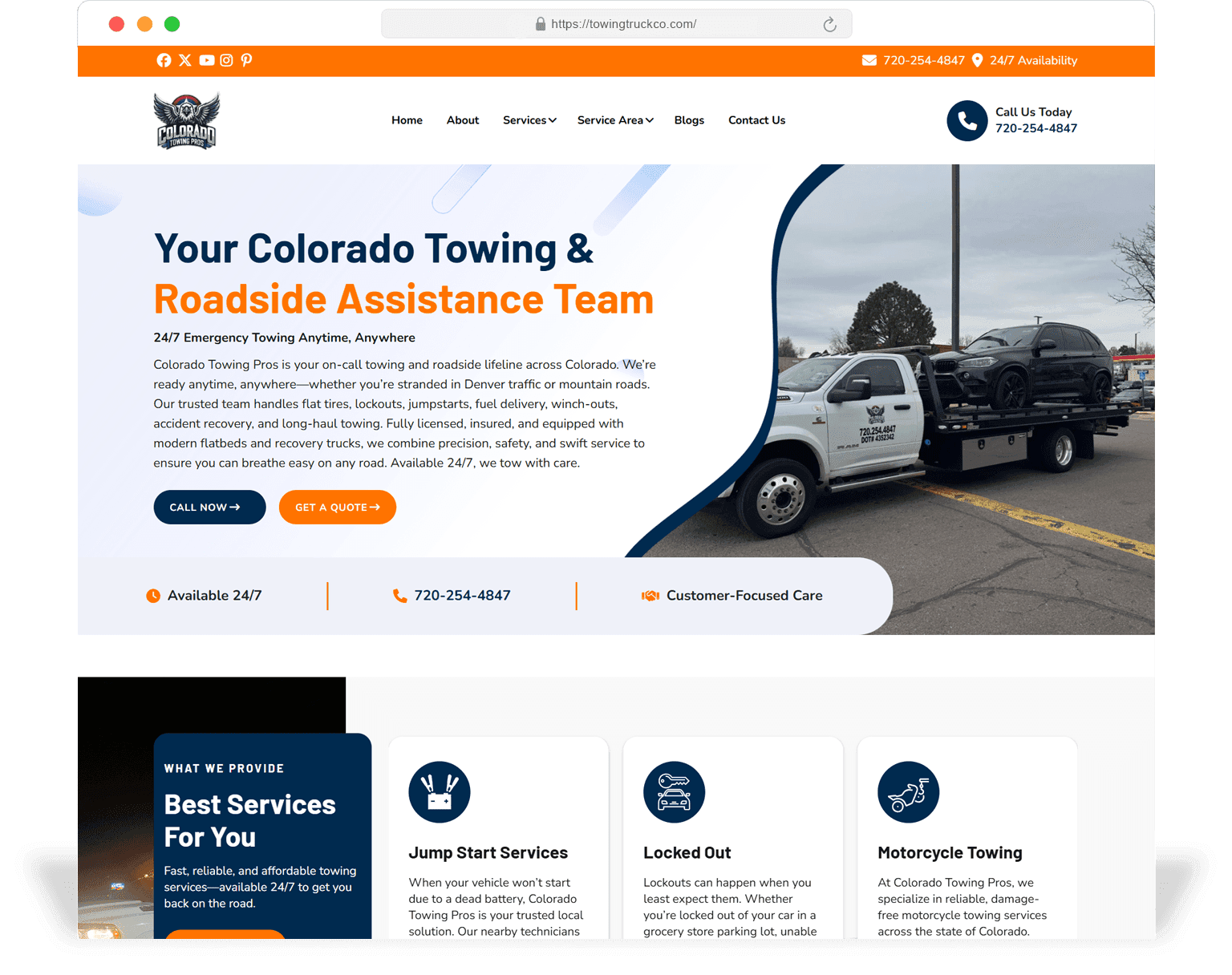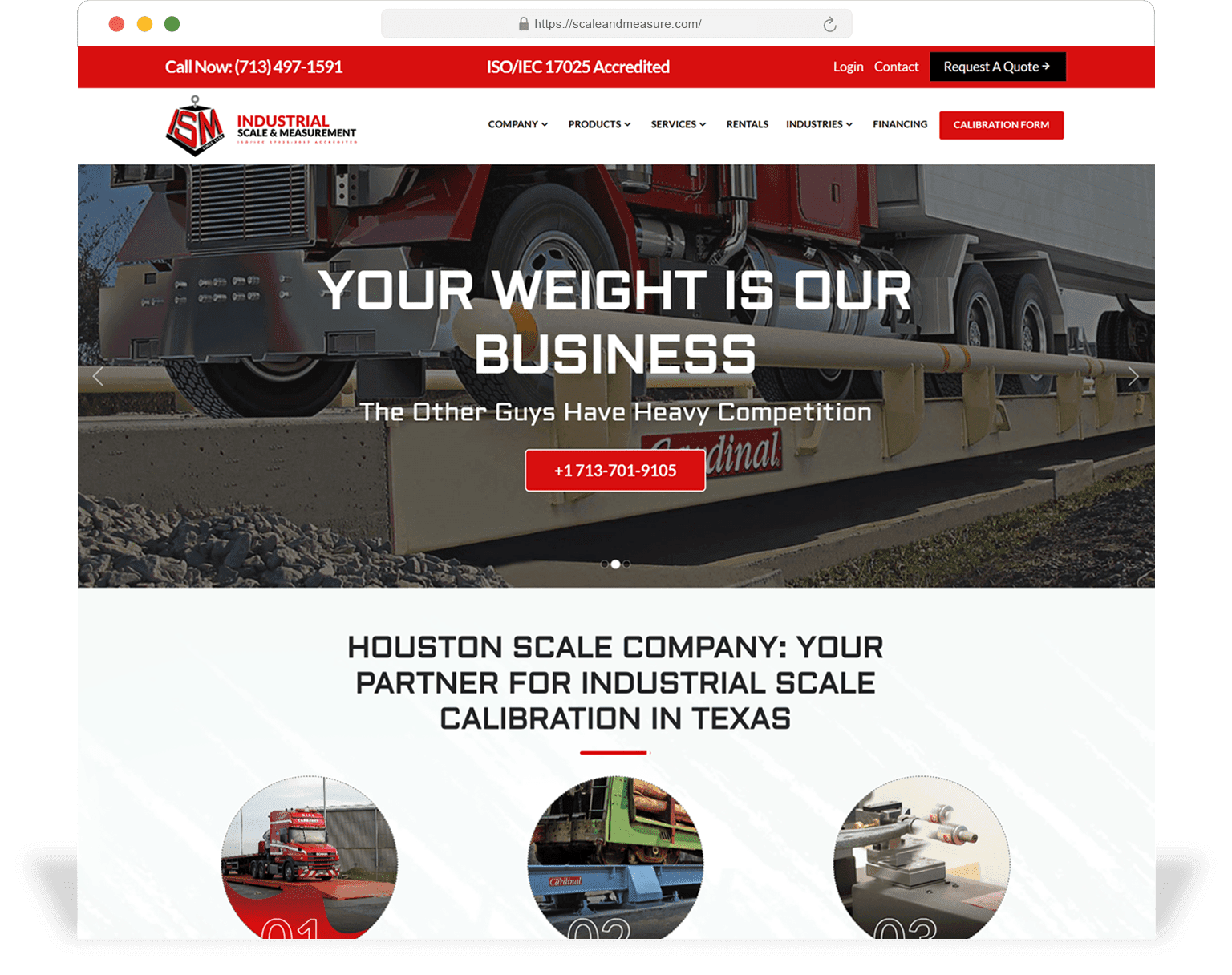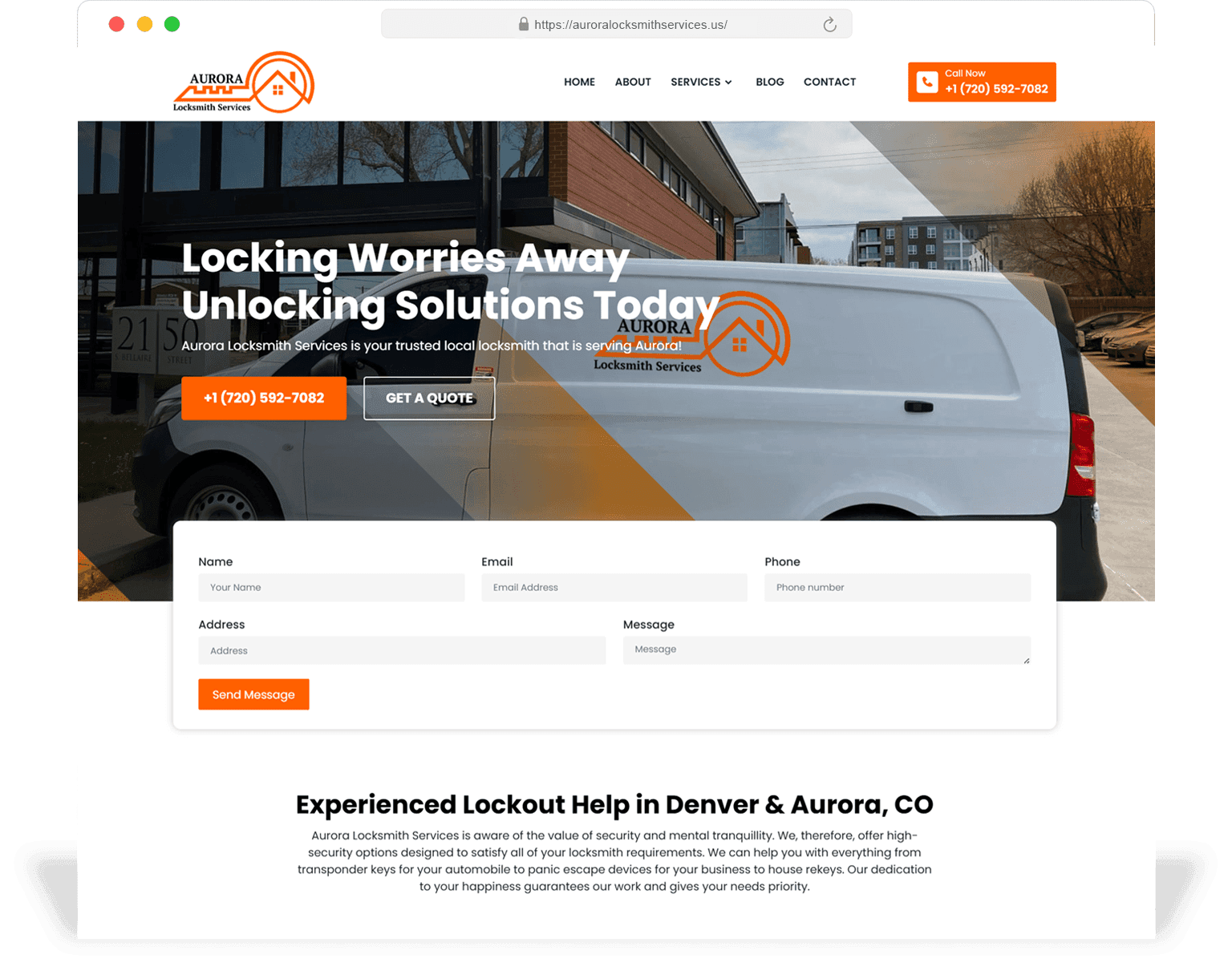
H1 buried below hero
Hero treats H1 like a marketing tagline ("Welcome.") and the actual SEO H1 — the service + location — is below the fold or duplicated as an H2. Costs the page every "[service] in [city]" query.
SEO Website Design
A SeoMata SEO website design engagement decides the things that matter most for search visibility — information architecture, page templates, content modules, internal linking, schema — during the design phase, not after launch. The result is a site that has no SEO retrofitting cost in year one.
15
On-page SEO inputs
decided at design time
6
Schema types
assigned per template
90+
Lighthouse SEO
on launch
3
Internal-link patterns
shipped by default
Most agencies treat SEO as something added after design. Keywords go into already-finished pages, schema gets bolted on, internal linking happens by accident. The visible cost is a site that holds you back the moment you try to scale topical coverage.
SEO website design moves all of those decisions into the design phase. The buyer-intent map drives the IA. The IA drives the page-type catalogue. The page-type catalogue drives templates that already contain the right H1 strategy, content modules, schema and internal-link slots.
The result: a site that ranks faster, scales without engineering tickets, and survives Google core updates because its topical structure is intentional, not a side-effect of design choices.
0
Post-launch retrofit
metadata / schema / IA stays
< 1 week
New service page
editor → live
3x
Internal-link density
vs templated builds
Pitfalls
These are the six SEO failure modes that show up most frequently when SeoMata audits a recently-launched designer site. Every one of them is a design decision that was made without an SEO seat at the table.
Hero treats H1 like a marketing tagline ("Welcome.") and the actual SEO H1 — the service + location — is below the fold or duplicated as an H2. Costs the page every "[service] in [city]" query.
Navigation links to 6 top-level pages. Footer links to 6 more. The 80 other service pages get exactly one in-content link from the parent hub. Topical authority cannot compound.
Service pages with only hero + 4 benefits cannot win evaluation queries because the page literally does not contain the content shapes those queries demand.
Hero, primary copy or pricing rendered client-side. Googlebot sees an empty shell, indexes the wrong content, fails to rank.
Designers load 3 MB hero images optimised for Retina desktop. LCP is 6 seconds on Android. Page Experience signal stays red.
Organization, Service, FAQ, LocalBusiness, Article — none present. Page is invisible to rich-result eligibility and AI search citation.
Information architecture
Information architecture decides what URLs exist, which URLs link to which, and how a buyer (and Googlebot) navigates from intent to action. This single layer of decisions determines the SEO ceiling of the entire site.
We design IA in three passes. Pass one: list every buyer intent the site needs to serve, mapped to query clusters. Pass two: assign each cluster to either a service page, a city page, a comparison page, or an article. Pass three: design the URL pattern, the breadcrumb structure, the hub-and-spoke linking pattern, and the related-content modules that make the topical graph real.
The output is a sitemap, a URL plan, and a content model. The design work that follows is downstream of this — not the other way around.
Templates
Every template we ship is designed around the specific intent it serves. A page for an evaluation query needs a comparison table; a page for a transactional query needs pricing + CTA above the fold; a page for an informational query needs a TOC and depth.
Hero H1 carries primary keyword + location. Benefits, what is included, process, pricing, FAQ, testimonials, schema markup. Each module exists because the query type expects it.
City-specific H1, locally-relevant proof (cases in that city), service area schema, embed map, neighbourhood-level content. Designed to win "[service] in [city]" queries.
Side-by-side feature / price / value comparison, FAQ block answering common decision questions, schema for FAQ + product. Designed for evaluation queries.
Sticky TOC, related-article rail, inline CTAs, schema for Article + FAQ + Breadcrumb. Designed for informational + AI-citation queries.
Three-tier cards, full comparison table, FAQ, anchor-linked plan details, schema for Product / Service. Designed for transactional + evaluation queries.
Outcome KPIs at top, narrative, before/after, scope, related cases. Schema for Article + Organization. Used to support service + city pages via internal linking.
Schema
Schema is assigned at design time, validated in CI, and present from day one. The list below is the standard mapping — bigger sites add Product, Course, Event etc. where relevant.
Organization (sitewide)
Name, logo, social, contact, sameAs. Present on every page via shared layout.
WebSite (sitewide)
Sitewide search action, name, URL.
BreadcrumbList (sitewide)
Per page, derived from URL structure.
Service (service templates)
serviceType, areaServed, provider, hasOfferCatalog. Validates in CI.
LocalBusiness (local + contact)
NAP, openingHours, geo, priceRange, sameAs. Per location.
Article (blog + long-form)
headline, datePublished, dateModified, author, publisher, image.
FAQPage (where present)
Question + Answer pairs, validated. Triggers rich result + AI citation eligibility.
Person (team pages)
name, jobTitle, image, sameAs. Improves E-E-A-T signalling.
Content model
A content model is the set of fields editors can fill in for a templated page. A weak content model puts a ceiling on what the page can rank for: if there is no field for "service area" the local SEO module cannot exist; if there is no field for "comparison rows" the page cannot compete for evaluation queries.
SeoMata content models are designed against the page-type catalogue, not against the CMS's default field types. Each templated page declares its fields, their constraints, their helper text and their preview behaviour. The editor experience is good enough that marketing can ship a new service page in under a day without engineering involvement.
In practice, this means we use Sanity, Strapi, ACF on WordPress or block-based fields on Shopify — whichever fits the editorial workflow. The CMS choice is downstream of the content model design, not the other way around.
Linking
Most "designed" sites under-link. Their internal-link graph is built from the navigation and footer — six top-level links plus a footer column — and then individual pages link by accident. Topical authority cannot compound under this structure.
A SeoMata SEO design engagement ships three explicit linking patterns. (1) Hub-and-spoke: each service hub links to every service spoke; each spoke links back to the hub and to two sister spokes. (2) Related-content modules: every templated page ships with a "related" rail that pulls from a curated content model field, not from a random "recent posts" list. (3) Inline editorial links: long-form templates include a "link tray" the editor uses to surface 3–5 in-context links per post, supported by an editor guide.
The net effect: a service page on a 60-page site receives 8–12 internal in-context links from the day it launches, instead of the 1–2 most template builds give it.
Performance
Page Experience is a confirmed ranking signal. The six items below are the design-stage decisions that decide whether the site ranks under that signal.
Hero is single LCP element, eager-loaded, responsive across breakpoints, AVIF/WebP. No video heroes on mobile by default.
Critical CSS path stays under budget. No third-party scripts above the fold. Hero ships in HTML, not as a React mount.
Self-hosted fonts, `font-display: swap` with `size-adjust`. No FOIT / FOUT, no CLS from font load.
Analytics, chat, A/B tools loaded after interaction or after `requestIdleCallback`. None of them touches the LCP path.
Templated pages cache at edge with smart invalidation. First byte under 100 ms in most markets.
Heavy components are code-split. Form validation runs locally before network. Map embeds lazy-load behind interaction.
Process
A SEO design engagement is six stages. SEO is in the room from kickoff, not bolted on at the end.
Cluster the queries the site needs to win, assign each cluster to a page type, set priority. Output: keyword map + page-type catalogue.
Sitemap, URL pattern, breadcrumb pattern, hub-and-spoke linking pattern, content model.
5–8 templates designed against the queries they serve. Each module justified by the query type.
Schema assigned and validated in CI. Internal-link patterns wired into templates.
Hero strategy, font strategy, third-party budget, edge caching, INP audit on key templates.
GSC validation, sitemap submission, monitoring for 30 days. Rich-result coverage report at day 30.
Portfolio
A short list of recent SEO-design engagements. Click for the keyword map, templates and ranking trajectory.
Scope
The list below is the base scope on every SEO design engagement.
Keyword + intent map
Cluster the queries, assign to page types, set priorities.
Page-type catalogue
Service / local / comparison / article / pricing / case study templates planned.
Sitemap + URL plan
New sitemap with URL patterns and breadcrumb structure.
Content model
Per template, with field definitions, helper text and editor preview.
Internal-link patterns
Hub-and-spoke, related content rail, editorial link tray.
Schema implementation
Sitewide + per-template, validated in CI.
Performance budget
Hero / font / third-party / edge caching strategy enforced in CI.
Launch + indexing
GSC + sitemap + rich-result monitoring for 30 days post-launch.
Yes. Regular SEO is what you do to an existing site. SEO website design is what you do during the site's creation — making the IA, templates, schema and internal linking right from day one so the SEO retainer can compound from a higher baseline.
New sites typically see meaningful indexing in 4–8 weeks and the first ranking shifts in 8–16 weeks. The big compounding lift shows up in months 4–9 because the IA + linking + schema compound as Google re-crawls the site.
Usually yes, but a much smaller one. SEO website design eliminates the bottom 60% of work an SEO retainer would do (fixing metadata, adding schema, building internal links). The retainer that follows focuses on content, links and CRO.
Yes — Sanity, Strapi, WordPress, Shopify, Webflow, HubSpot CMS and custom systems all support content modelling. We will pick the CMS layer (if you do not already have one) to fit the content model, not the other way around.
Yes. SEO website design gives you templates and structure; you (or we, as part of the retainer) write the content that fills them. The advantage is that filling a templated page takes a marketing editor 60–90 minutes; without the template, it would be a 2-week engineering ticket.
For sites under 8 pages, SEO website design overlaps heavily with regular website design — and we will just bundle the SEO layer into that engagement at no extra line item. The dedicated SEO website design scope makes sense at 15+ pages and grows from there.
Start with a free SEO design audit. We will look at your current IA, templates and topical coverage, and write back with a prioritised opportunity list and a rough scope range — usually within 3 business days.
Related services
Next step
Request a free site structure audit. SeoMata will map out what your next website needs at the architecture level to support rankings, trust, and conversion from day one — before the design budget locks in.