Conversions have plateaued
Traffic is steady but qualified-lead rate stopped moving. Usually a sign that the offer, the CTA placement or the trust signalling is misaligned with current buyer behaviour.
Website Redesign
A SeoMata redesign is the safest way to modernise an existing site. We migrate URLs and SEO equity carefully, rebuild templates around current intent and offer, and measure conversion lift before and after — so you can defend the investment internally with real numbers, not screenshots.
0
Avg. organic traffic loss
across last 18 redesigns
47%
Median conv. lift
90 days post-launch
100%
URL inventory mapped
pre-launch, audited
90+
Lighthouse on launch
all four scores
Most agencies treat redesign as a visual refresh. We treat it as a structural intervention: rebuild the IA around current buyer intent, modernise templates so the marketing team can ship, fix the SEO debt that has accumulated over years, and migrate carefully enough that nothing breaks on cutover day.
A SeoMata redesign starts with three questions: what is currently working that we absolutely must preserve, what is the structural debt holding the site back, and what new offers or audiences does the next version need to serve?
0
301 misses
every retiring URL maps to a live one
3
Conversion paths
rebuilt per page
< 30 min
GSC re-validation
after cutover
Signals
Redesign is not always the right answer — sometimes the right move is a content refresh or a CRO sprint. The six signals below mean a full redesign is justified.
Traffic is steady but qualified-lead rate stopped moving. Usually a sign that the offer, the CTA placement or the trust signalling is misaligned with current buyer behaviour.
LCP > 3.5 s, INP > 500 ms, CLS > 0.15 on real devices. Symptom of a template stack that cannot be tuned without rebuilding.
New positioning, new pricing, new audience — site is still selling the old story. Visitors arrive expecting one company and see another.
Every new service page, city page or campaign requires an engineer. Template ceiling has been hit.
ADA / WCAG concerns, GDPR / CCPA banner missing or broken, structured data invalid — risk-management redesign rather than discretionary.
Plugins broken, hosting unstable, security warnings, last update was years ago. Redesign is the safest way to clear technical debt in one pass.
SEO safety
A bad redesign can wipe out years of SEO compounding in a week. The six items below are the most common ways that happens, and the patterns we use to prevent each.
Every URL currently indexed (from GSC + crawl + sitemap + analytics) goes into a master inventory. Every retiring URL must be either preserved or 301-mapped — no exceptions.
We rebuild the internal-link graph as part of design, not as a post-launch SEO retrofit. Old hub pages keep their authority position; new hub pages get linked from launch.
Title, meta description, OG image, canonical and schema for every existing URL are migrated, then improved — not rewritten from scratch.
Every existing top-50 page is reviewed manually. H1, H2 and primary copy must improve or stay equivalent — never regress on keyword coverage.
Faceted URLs, search results, paginated archives are explicitly controlled (canonical, noindex, robots, parameter handling) so crawl budget concentrates on revenue pages.
Hero, primary copy and CTA are server-rendered. We do not ship pages where Googlebot must run JS to see the H1 or primary offer.
Process
A redesign has one extra stage compared to a new build — Migration. Below is the full sequence.
Full crawl, GSC + GA4 review, conversion funnel audit, top-50 page audit, content + template inventory. Output: one-page diagnostic + opportunity list.
Sitemap, URL plan, redirect map (1:1 where possible, m:1 with rationale where not). Reviewed before any design starts.
Tokens, components, 5–8 templates designed and reviewed against real content from the current site.
Engineering implementation on staging URL, with weekly review. Bug log + content QA log public.
301 map, metadata migration, internal-link rebuild, schema re-implementation, sitemap rewrite. Tested on staging.
301 cutover, GSC re-validation, sitemap submission, monitoring for 404 / soft-404 / redirect chains. Lighthouse + accessibility pass on production.
30 days of weekly checkpoints: organic traffic vs baseline, conversion rate vs baseline, error rate, Core Web Vitals. Hotfix as needed.
Migration
Migration is the highest-risk part of any redesign. The checklist below is the one we run before, during and after cutover.
URL inventory
GSC + Screaming Frog crawl + analytics + sitemap merged into a single master list with priority labels.
Redirect map
Every retiring URL mapped to its closest equivalent. 1:1 where possible; documented rationale where not.
Metadata migration
Title, meta description, OG image, canonical, hreflang migrated to the new URL — verified per URL.
Schema re-implementation
Service, Article, FAQ, Organization, LocalBusiness, Breadcrumb — re-implemented and validated in CI.
Internal-link rebuild
Sitewide nav, footer, in-content links rewritten to new URLs. Old hub pages keep their inbound authority position.
Sitemap rewrite
New sitemap submitted to GSC + Bing within the first hour of cutover. Old sitemap stays live for 24h with all 301 entries.
robots.txt review
No accidental disallow. Sitemap reference updated. Faceted parameters controlled.
Post-launch monitoring
Daily check on 404 / soft-404 / redirect chains for 14 days. Weekly check on organic traffic vs baseline for 30 days.
Templates
A typical redesign rebuilds these 6–10 templates. Larger sites add city, service-line, case-study and resource detail templates on top.
Home page
Above-the-fold offer, primary conversion paths, social proof, service overview, secondary CTA.
Service / product detail
Hero offer, benefits, what is included, process, comparison, FAQ, testimonial, CTA.
Pricing / packages
Three-tier cards, comparison table, FAQ, anchor links, embedded form.
About / team
Founder narrative, team grid, values, methodology, press, CTA.
Contact
Multi-step form (optional), calendar, phone CTA, structured address.
Blog / resources index
Filter by category, featured posts, infinite-load list, newsletter capture.
Article / long-form
Sticky TOC, reading progress, inline CTAs, share, related articles, schema.
Case study
Outcome KPIs at top, narrative, before/after, scope, related cases.
Lift
The median conversion lift we measure 90 days post-launch is 47%. That number is not because the new site is "prettier" — visual polish alone rarely moves a paid funnel that has been A/B tested.
The lift comes from a small number of changes that compound: tighter offer above the fold (the visitor knows what you do in under 5 seconds), shorter forms (median field count drops from 7 to 3), a sticky mobile CTA bar (recovers conversions desktop-mindset designs leave on the table), trust signals placed within 200 px of the CTA, and clearer next-step CTAs on every meaningful page.
We measure conversion rate on the existing site for 30 days before launch (baseline), then 90 days after. The lift number lives on the case study page, not in our pitch deck. If a redesign does not lift, we say so — and we have shipped redesigns where the lift was flat. Those are usually clients who had already done the offer + CRO work and where the redesign was mostly an infrastructure investment.
Examples
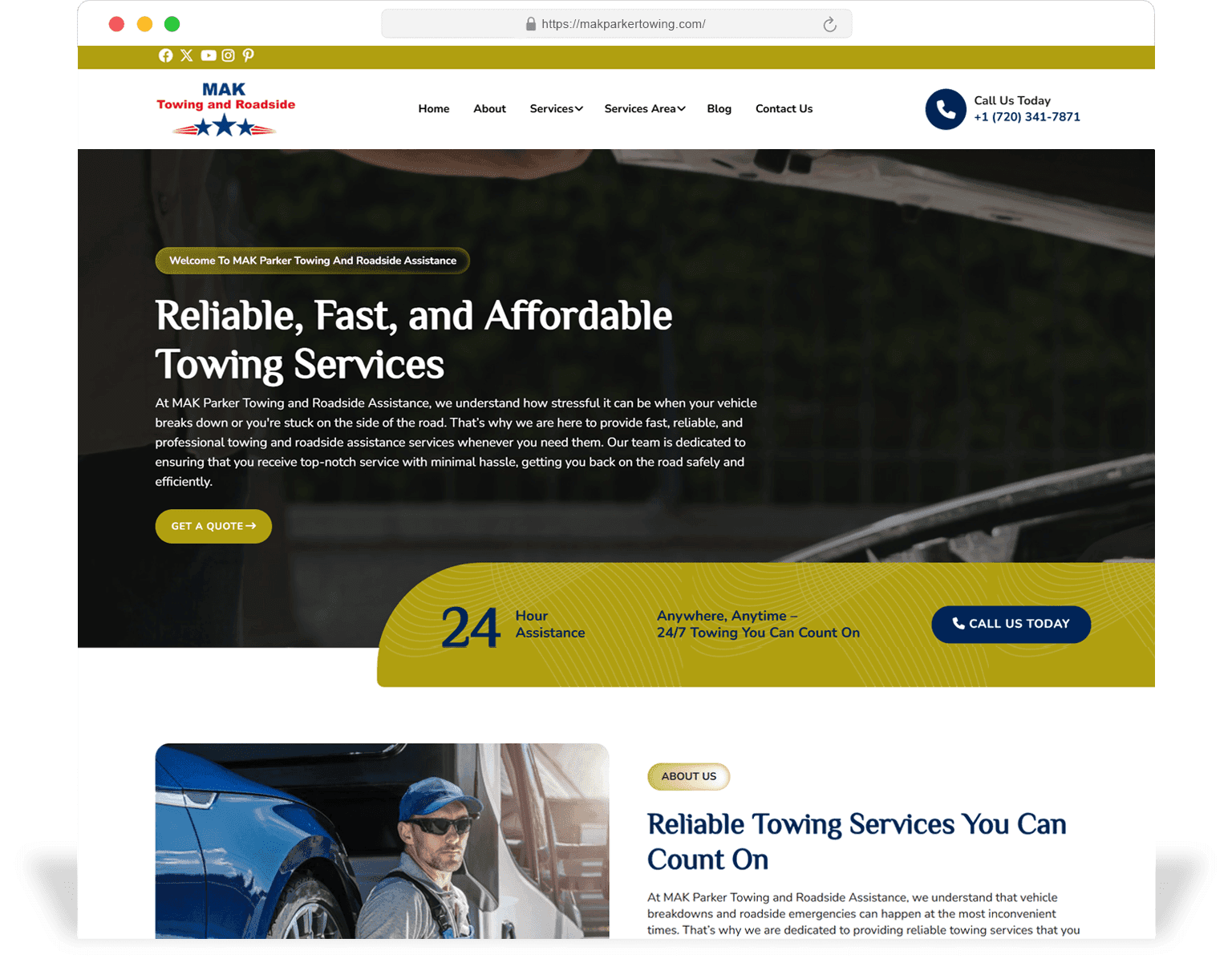
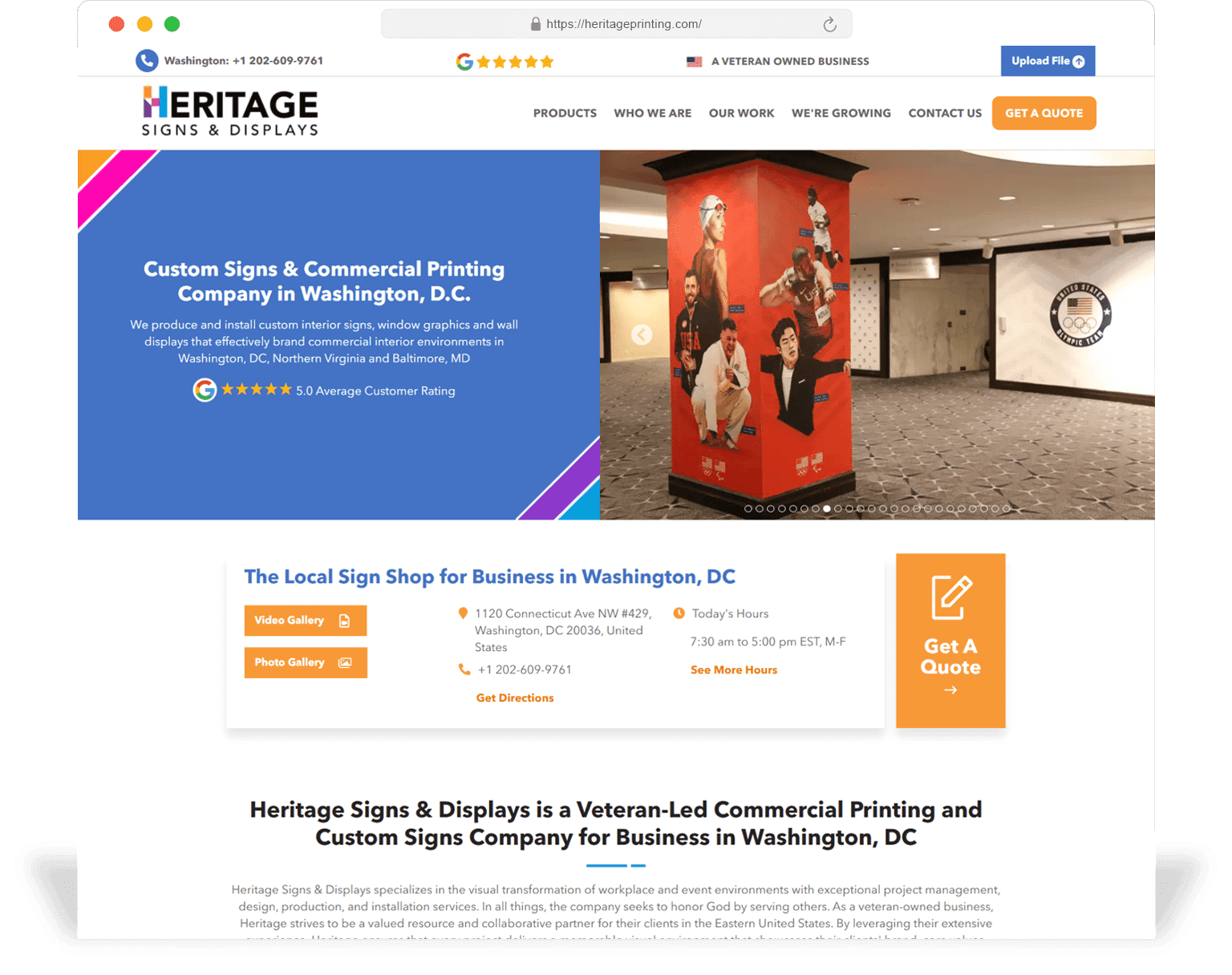
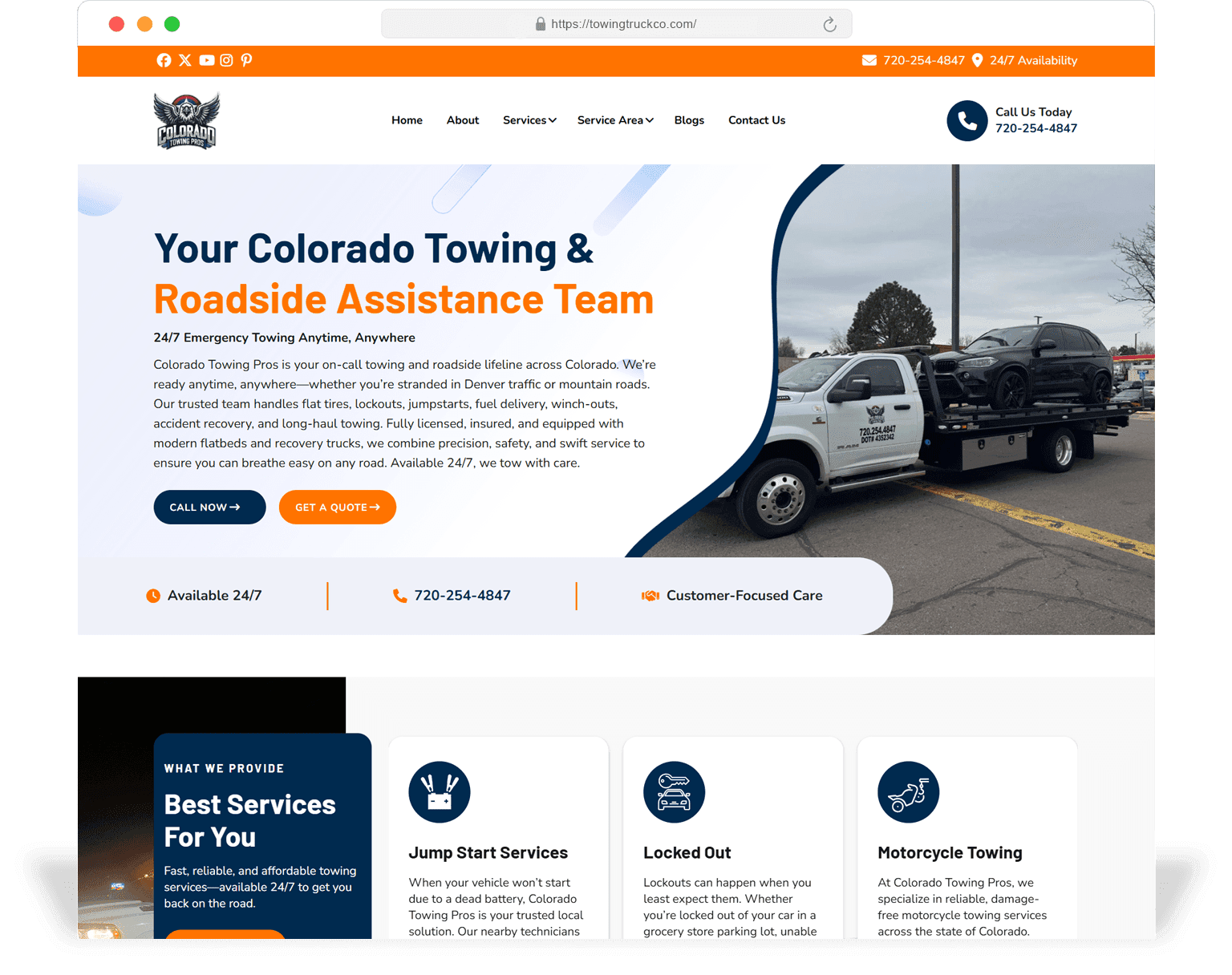
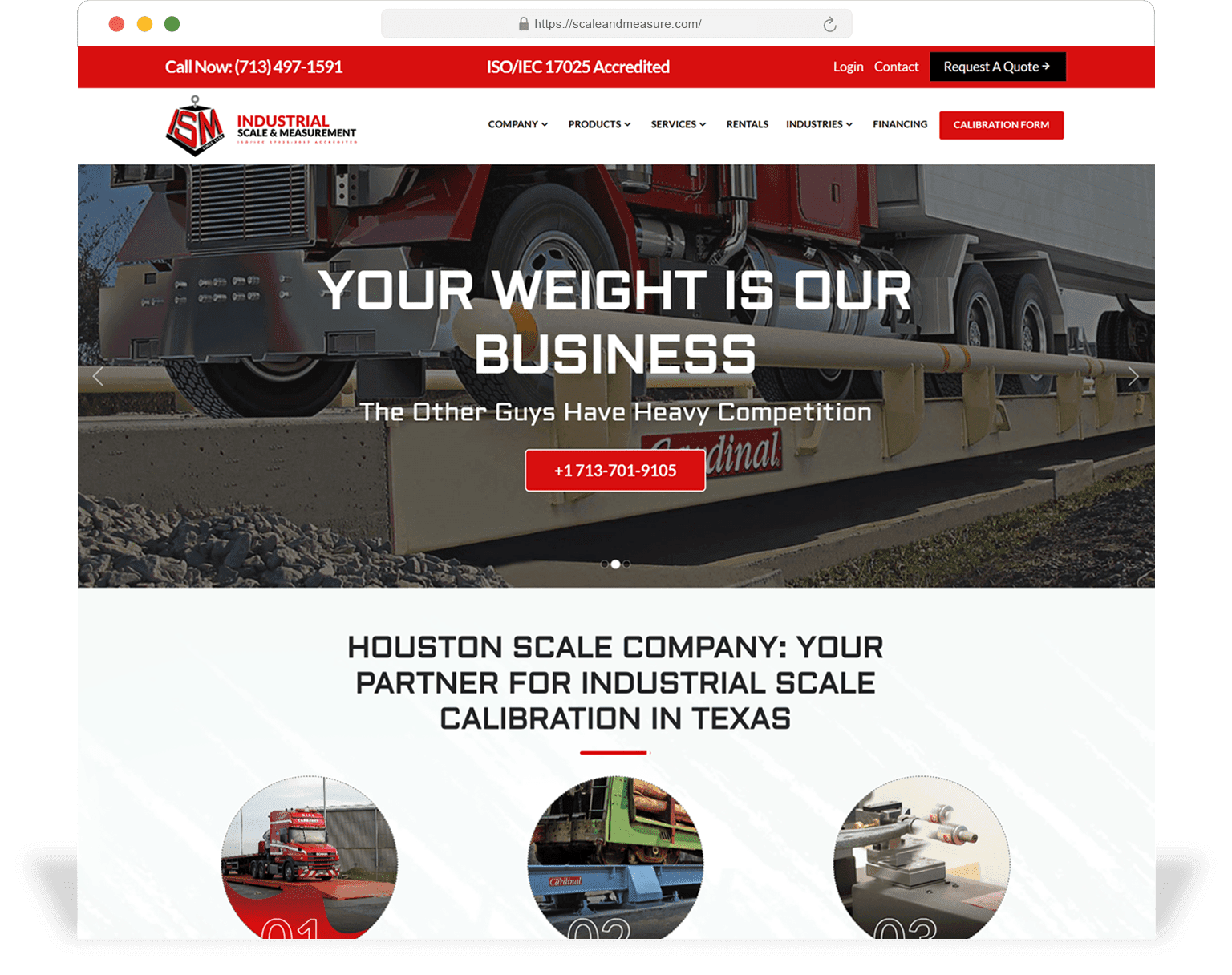
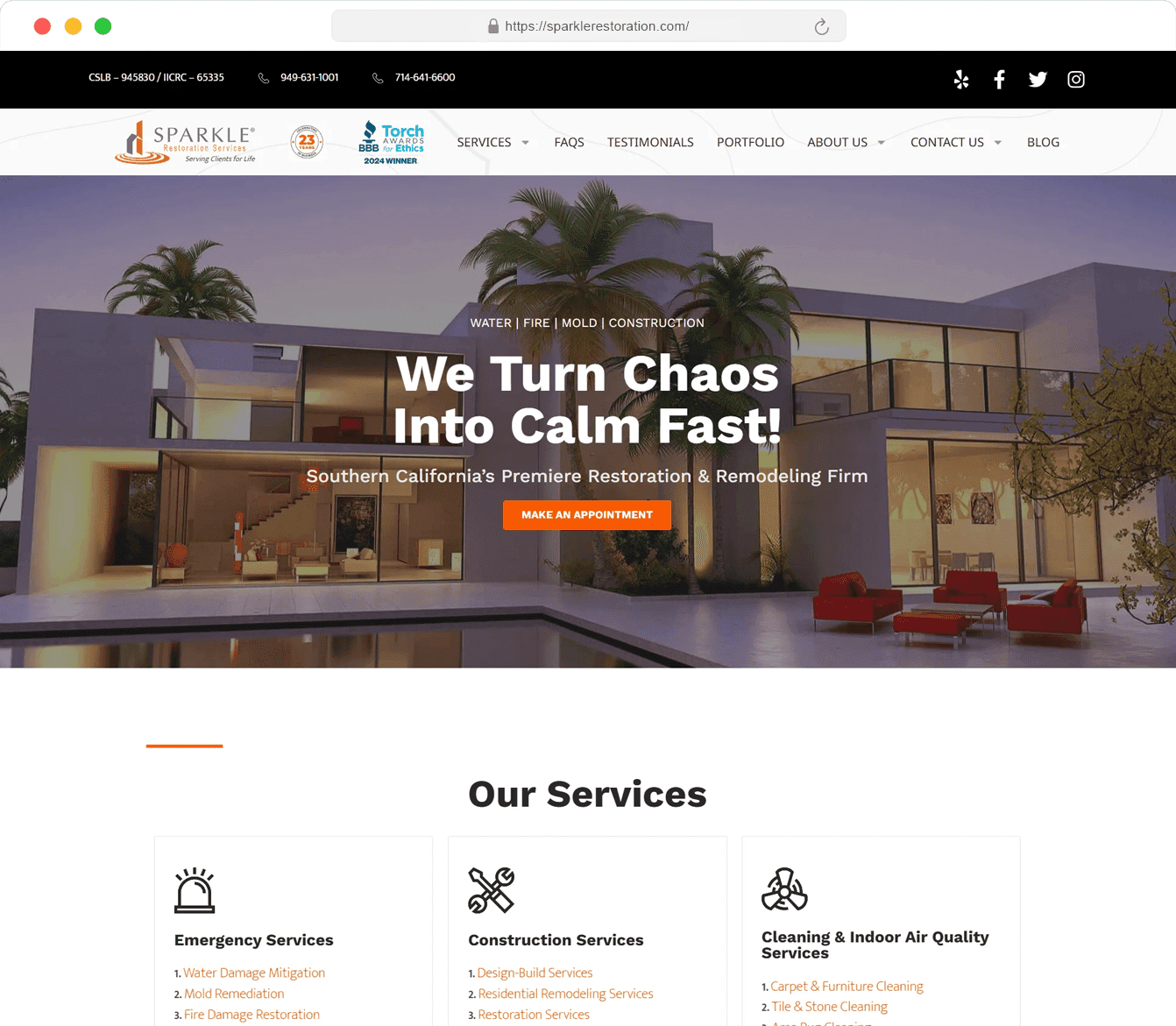
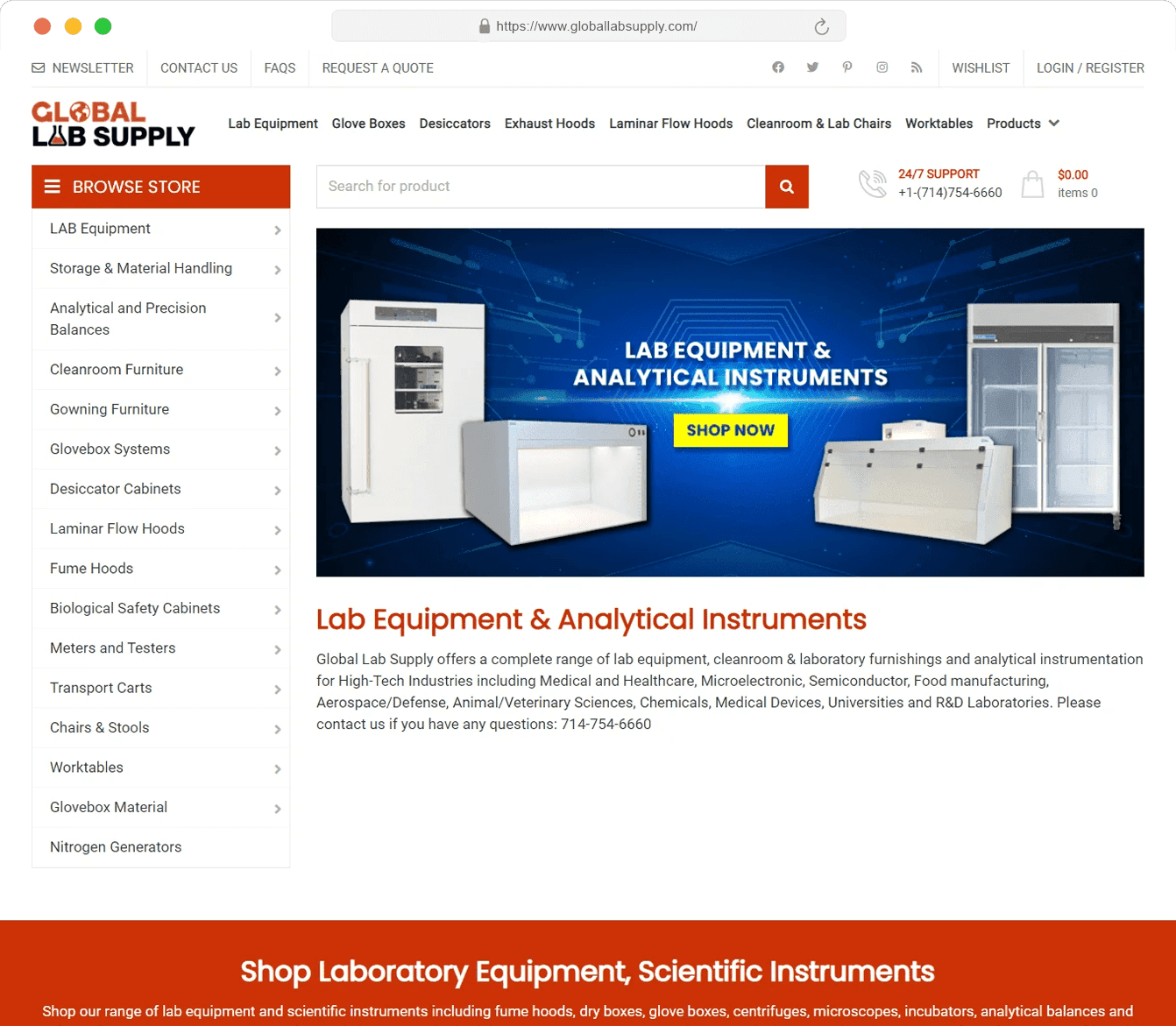
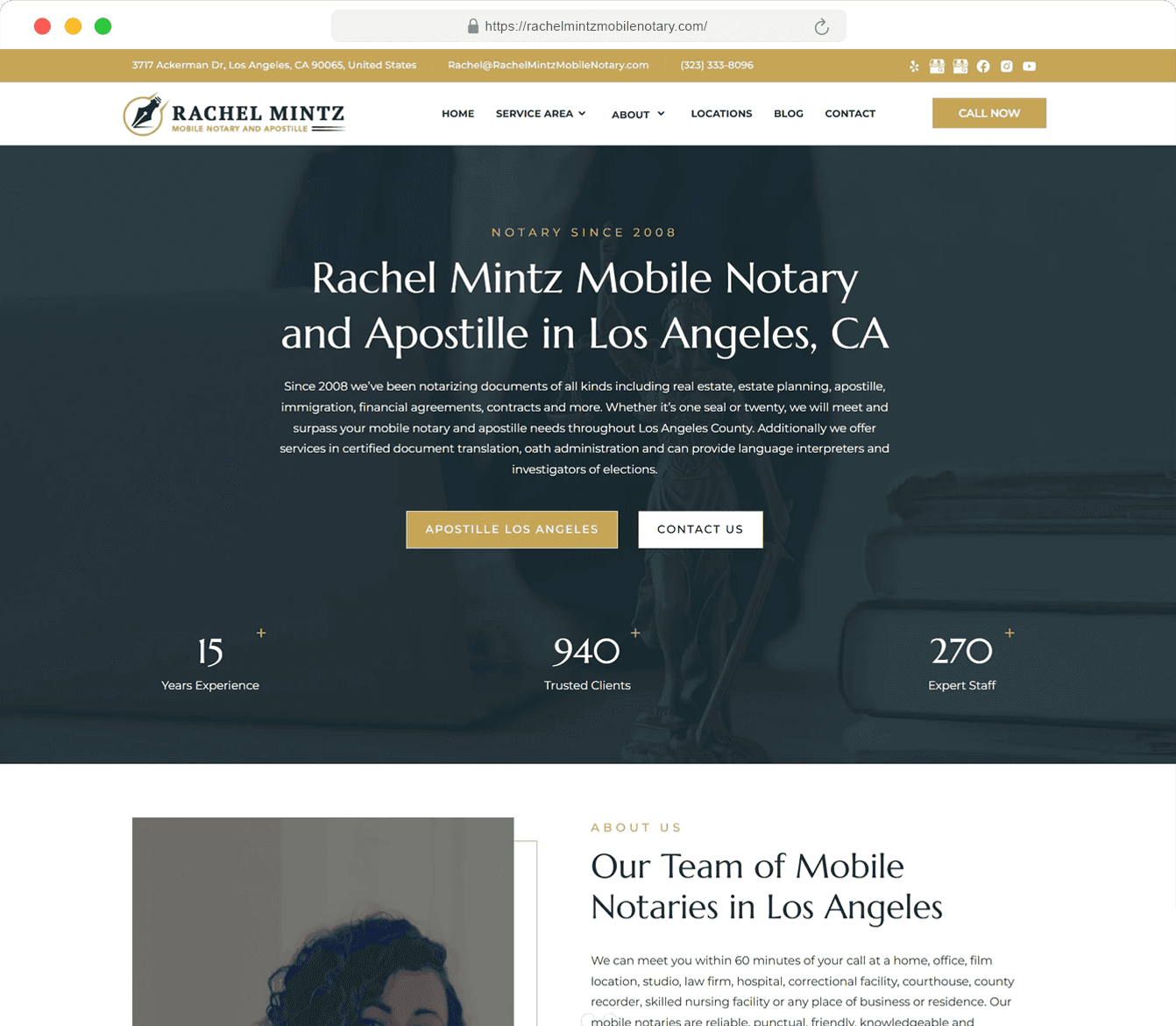
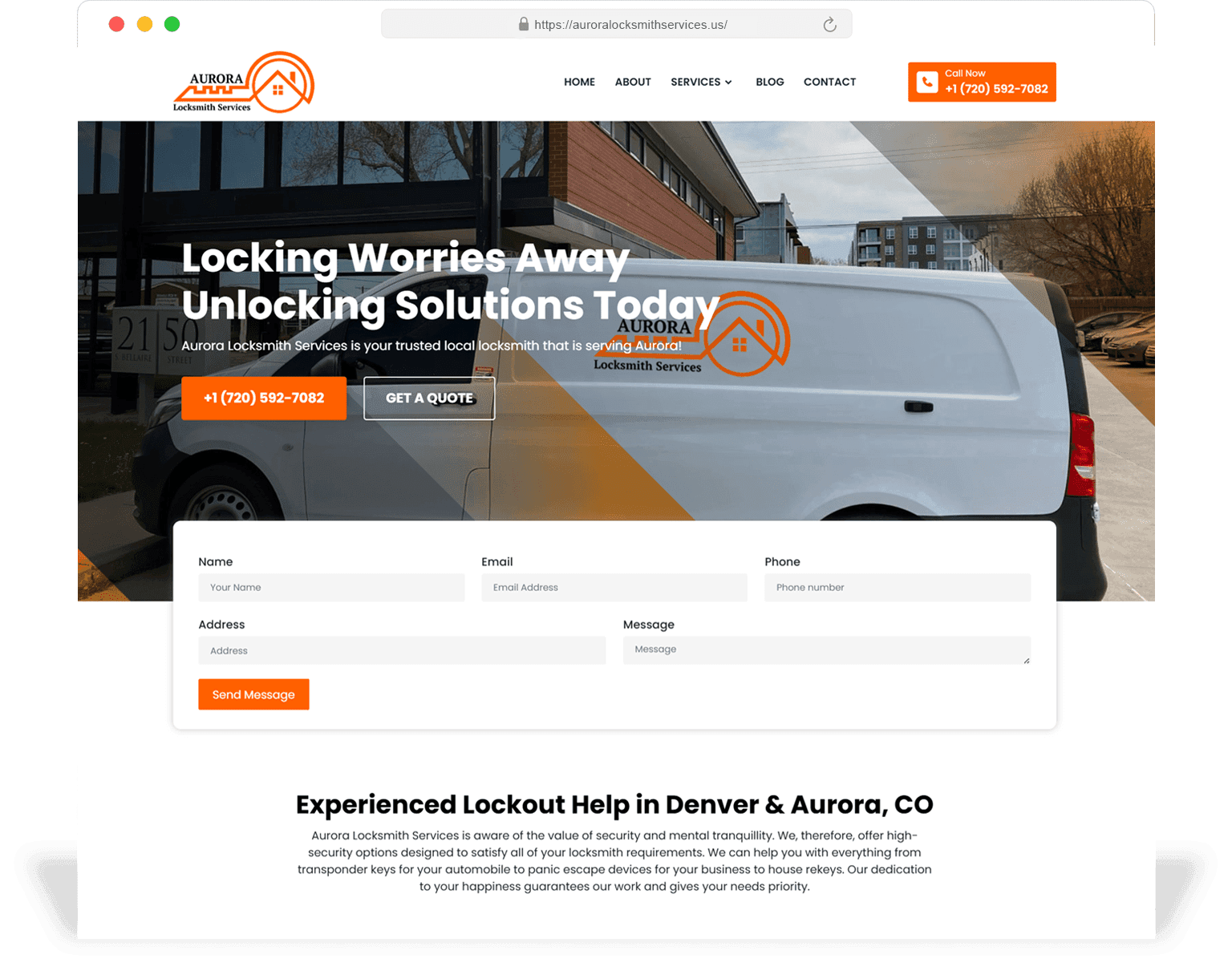
A short list of recent redesign engagements. Click into a case study for the before/after screenshots, scope, and 90-day post-launch numbers.
Scope
The list below is the base scope on every redesign. Anything beyond it is a separately scoped line item.
Audit + diagnostic
Crawl, GSC + GA4 review, top-50 page audit, conversion funnel audit, opportunity list.
Sitemap + URL plan
New sitemap, URL plan, full redirect map.
Design system + key templates
Tokens, components, 5–8 templates in Figma, content-true mockups.
Engineering build
On staging URL from week one, with weekly review.
Migration
301 map, metadata, schema, internal links, sitemap, robots.txt.
Cutover + 30-day stabilisation
Live monitoring, hotfix as needed, weekly checkpoints.
Lighthouse + axe-core pass
On every templated page, in CI.
Editor training + runbook
60-minute walkthrough, written guide, runbook in repo.
Decision aid
A redesign keeps your platform; a rebuild swaps it. Below is the decision frame.
| Redesign (keep platform) | Rebuild (swap platform) | |
|---|---|---|
| Timeline | 8–12 weeks | 12–22 weeks |
| Cost | Lower | Higher |
| Risk to SEO | Low (URLs largely preserved) | Medium (more migration work) |
| Editor velocity after | Better — depends on existing CMS | Best — new stack chosen for speed |
| When to choose | Site has > 80% of what you need, just dated | Platform itself is the blocker (Core Web Vitals red, can't ship new pages, plugin sprawl) |
| Long-term cost | Lower if platform stays viable | Lower if platform was bleeding maintenance time |
About 70% of our engagements are redesigns, 30% are platform rebuilds. We recommend the cheaper option whenever it actually works.
Portfolio
A small sample of recent redesigns across verticals.
If migration is done well, no. Across our last 18 redesigns the average organic traffic delta in the 30 days after cutover was within 2% of baseline; most lifted within 60 days. The full migration playbook above is the reason.
Usually yes. About 70% of our redesigns keep the existing CMS and rebuild the design system + templates on top. We only recommend a CMS change if it is the actual blocker.
Conversion rate baseline for 30 days before launch, 90 days after. Organic traffic vs baseline (segmented by page type), Core Web Vitals, lead quality and time-on-page. We share the numbers per quarter even after handoff.
We do partial redesigns. The audit identifies which templates are pulling weight and which are not; redesign focuses on the latter, with the design system documented so the former can be migrated later without a second project.
Yes for top-50 templates as part of standard scope. Tail content (older blog posts, low-traffic pages) is scoped per-piece — we recommend either refresh, consolidate, or 301 + drop based on data.
Two weeks before a major launch, peak shopping season, or in the middle of a Google core update. We will explicitly recommend rescheduling cutover if any of those windows is imminent.
Start with a free redesign audit. We will look at the current site, the organic + conversion baseline, the offer, and write back with a prioritised opportunity list and a rough scope range — usually within 3 business days.
Related services
Next step
Start with a free pre-redesign audit. SeoMata will surface the page, UX, and SEO issues worth fixing before redesign budget gets committed — and flag the SEO equity worth protecting.