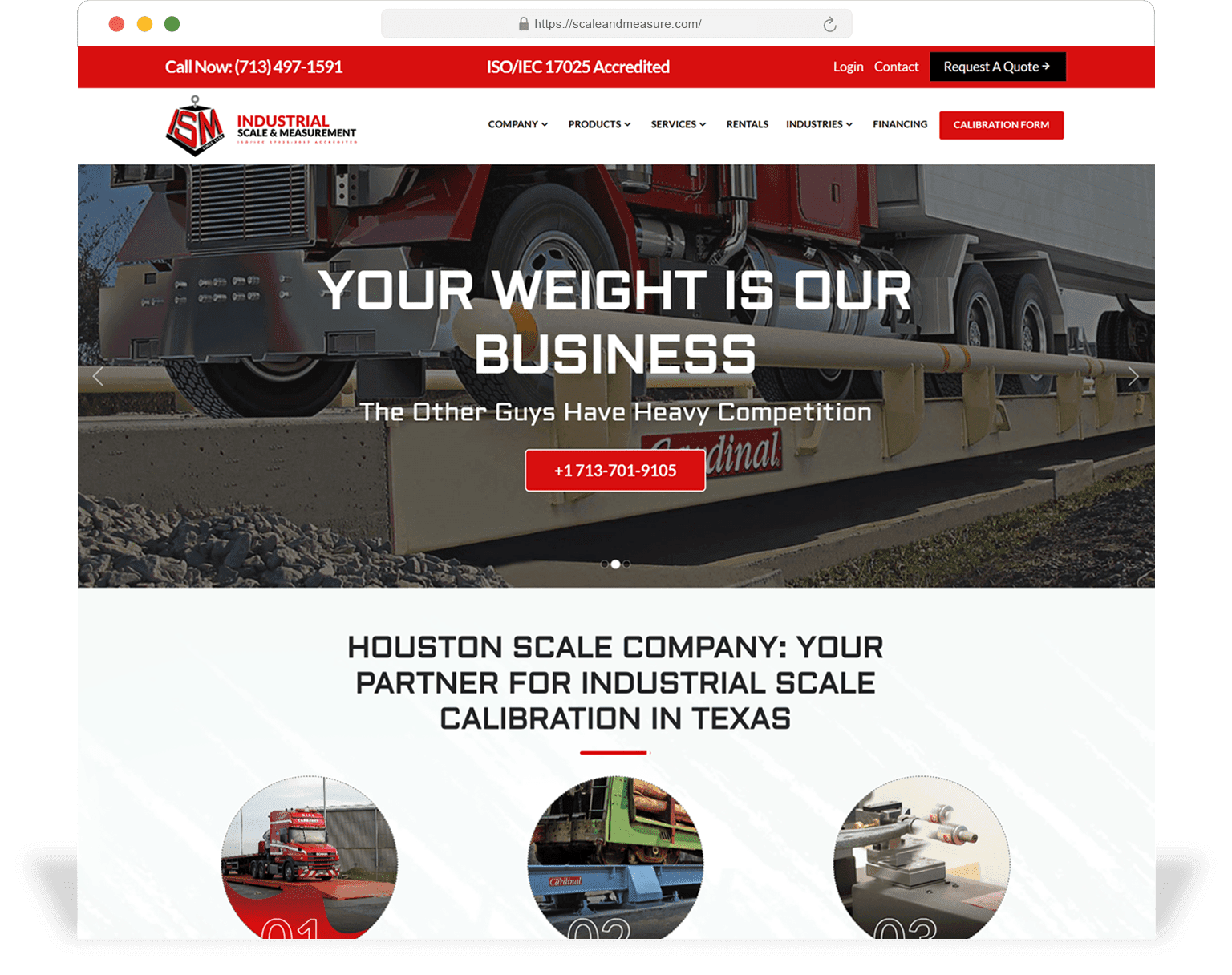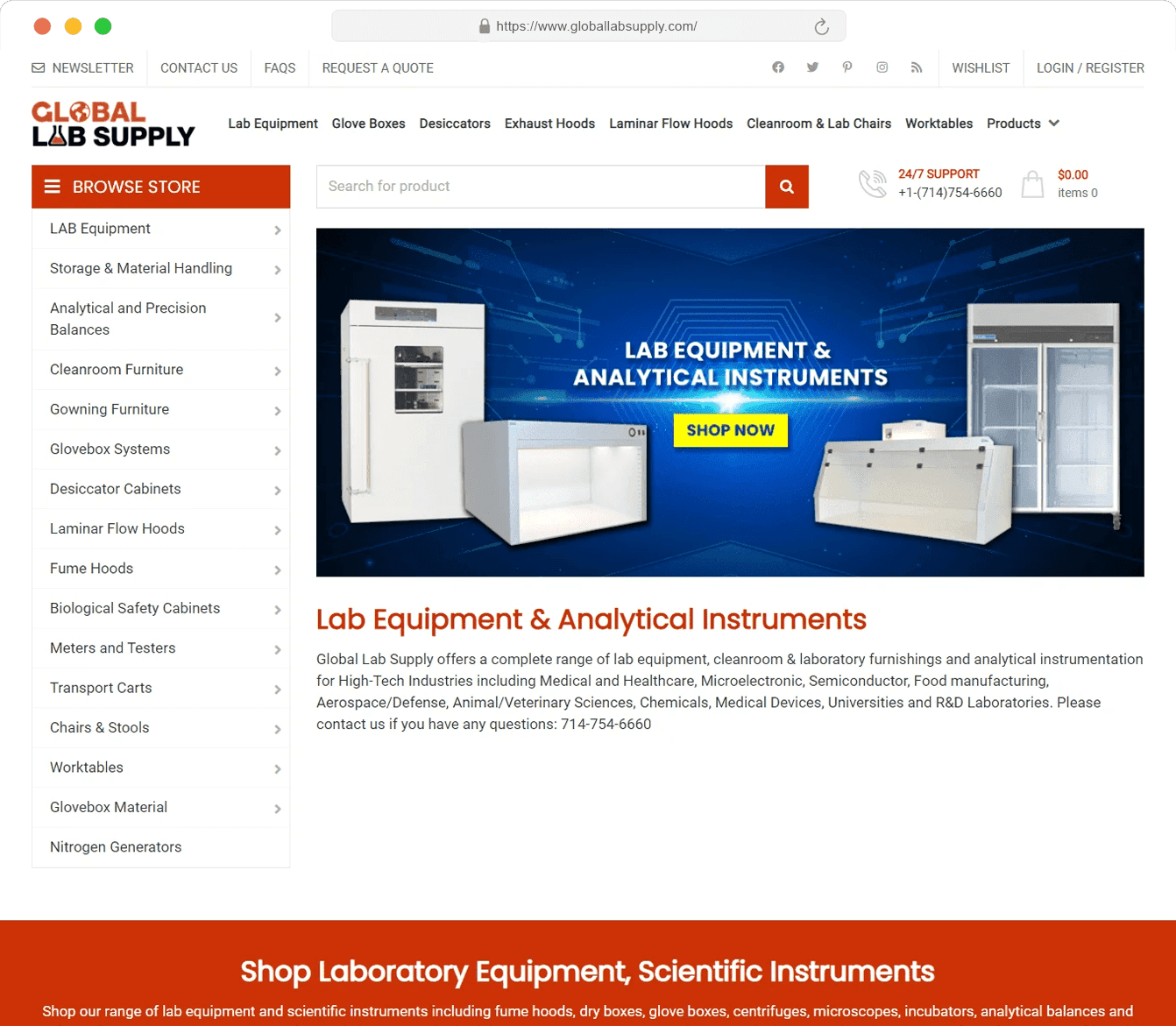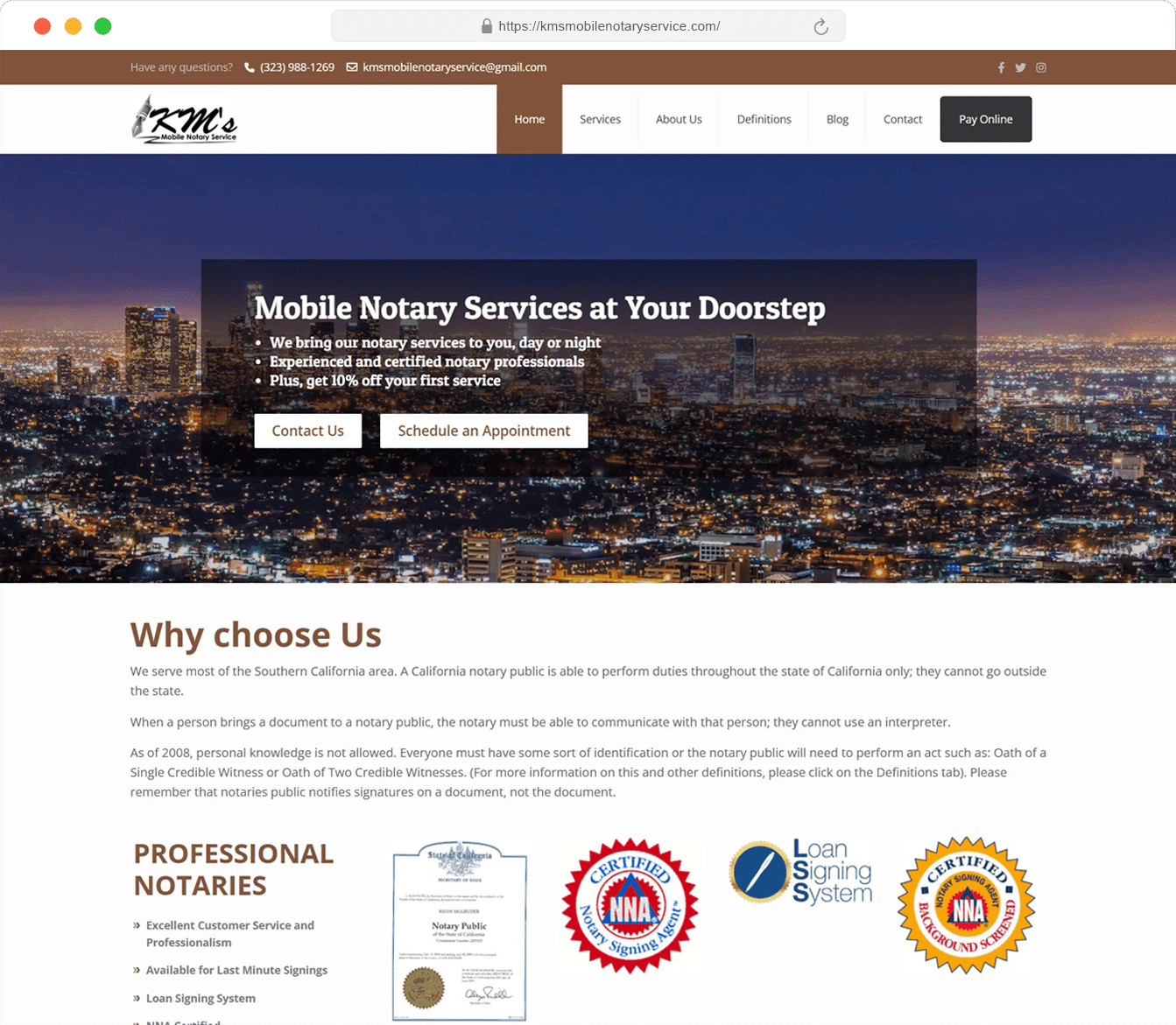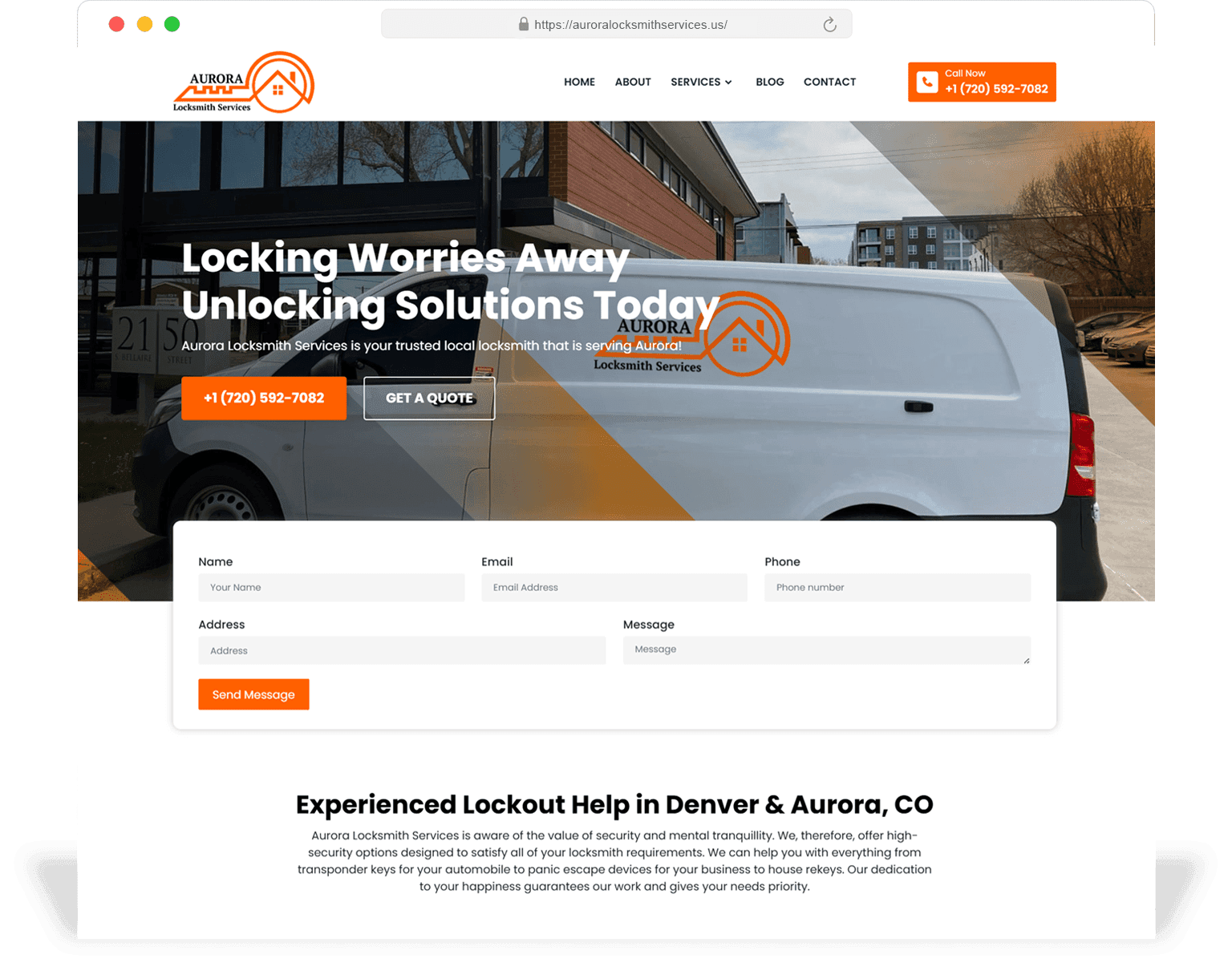
You ship new pages weekly
Service pages, city pages, campaign landings — when the page count grows past a templated marketplace theme, you start fighting the platform on every edit.
Web Development
We build production-grade marketing sites and growth surfaces — Next.js, WordPress, Shopify, custom stacks — engineered so the marketing team can ship without a ticket. Every build ships green Core Web Vitals, full schema coverage, automated testing and a written runbook.
90+
Lighthouse target
all four scores
<2.5s
LCP
mid-range Android / 4G
<200ms
INP
on real interactions
99.95%
Uptime SLA
standard hosting tier
Web development at SeoMata is the engineering layer that sits between the design system and production traffic. We translate design tokens into shipped code, build the templates the marketing team will edit for the next three years, wire up the integrations that move data into your CRM and ATS, and own the performance + monitoring story so nothing surprises you on launch day.
This page describes how we build, what stacks we ship in, and the quality bar we hold every project to. If you are looking for the design-first view, see /design-development/website-design. If you want the full hub overview, see /design-development.
0
Production bugs > P2
within first 30 days of launch
100%
Templates documented
every editable surface explained
2
Engineers per project
lead + reviewer; no solo builds
Decision aid
Custom development is not always the right answer. The six signals below are the ones we tell prospects to look for before committing the budget.
Service pages, city pages, campaign landings — when the page count grows past a templated marketplace theme, you start fighting the platform on every edit.
Once the site has to represent 3+ distinct offers (services, products, geographies), templates fight with you on IA and conversion.
Page builders ship a baseline of JS that makes green LCP / INP almost impossible without a custom build. Template tuning hits a ceiling fast.
WCAG 2.1 AA needs designed-in accessibility — keyboard focus, screen-reader landmarks, focus traps. Most page-builder themes ship with non-compliant patterns out of the box.
Once forms must enrich with Clearbit, push to HubSpot/Salesforce, dedupe and trigger workflows, the standard form plugin starts breaking.
Marketing wants to preview content before publish; engineering wants to merge safely. Custom Next.js + a CMS gives both; most templates give neither.
Stack
We are platform-agnostic but selective. We use the stacks below because they have all proven, across multiple SeoMata production sites, that they reach the quality bar in this page.
Default for marketing sites that need editorial velocity + edge performance. Server components, ISR for templated city/service pages, route-level prefetch, edge runtime where it pays.
Used when the editorial team needs day-to-day independence. Lean theme, custom blocks, ACF, no page-builder, hosted on managed WP infrastructure.
Liquid + Hydrogen builds for DTC and service-product hybrids. Hydrogen storefronts when the catalogue and SEO surface justify a headless build.
Default hosting layer. Image optimisation, edge caching, RUM, preview deploys per branch, error monitoring out of the box.
When content workflow is more important than rendering, or when the same content powers web + mobile + email.
Default analytics stack. Server-side tagging available, PostHog when funnel + replay is needed for conversion work.
Architecture
We make the following six decisions explicitly at the start of every project. If you have an in-house team, these are also the questions to ask any other agency you evaluate.
Any page type with > 5 instances ships as a templated route with a content model. Hand-built one-offs are the exception, not the default.
Every templated page declares which fields editors can change. No "fix it in the theme file" moments — editors stay safe, devs stay calm.
Titles, meta, OG, schema and canonical are computed in code with sensible defaults; CMS only overrides when needed. Eliminates the "empty meta" failure mode.
All images flow through the platform image pipeline with explicit sizes per breakpoint. CLS is engineered out, not patched after the fact.
Forms / CRM / analytics / payment integrations live behind a thin server layer so vendor swaps later cost a week, not a quarter.
Sentry (or equivalent) wired in on day one. Production errors page the lead engineer; uptime checks page the on-call. We do not learn about outages from clients.
Process
Builds are six stages long, regardless of size. Each has a named owner, a written deliverable, and a checkpoint with you. No work happens in a black box.
We align on goals, stack, constraints, integrations, deadlines. Output: one-page technical brief, repo + staging URL inside the first week.
Repo scaffolding, design tokens, base layout, CMS modelling, deploy pipeline, error monitoring. By end of sprint 1, a hello-world preview is live on a real URL.
Build the templated routes in priority order, paired with weekly review. Bug log is public; you can comment per page.
Forms, CRM, analytics, scheduling, payment, search — wired up against staging credentials, with named owners on both sides.
Cross-device QA, Lighthouse + WebPageTest, axe-core accessibility pass, content QA on every templated page. Public QA log.
301 cutover, indexing + analytics validation, weekly checkpoint for 30 days, then retainer or in-house handoff with a written runbook.
Quality
Every build is held to this list. Items that cannot be met inside the budget get flagged explicitly during scoping — we do not silently cut quality to fit the number.
Lighthouse ≥ 90 / Performance
On the production URL, on a representative device, on a real ISP — not just on dev machines.
Lighthouse ≥ 95 / SEO
Includes crawlability, sitemap, robots, schema validity, mobile usability, canonicalisation.
Lighthouse ≥ 90 / Accessibility
Plus a manual axe-core pass and a keyboard + screen-reader walkthrough on the top 10 templates.
Lighthouse ≥ 95 / Best Practices
HTTPS everywhere, no console errors, deprecated APIs removed, image aspect ratios declared.
Schema by template
Service, Article, FAQ, Organization, LocalBusiness, Breadcrumb — assigned at design time, validated in CI.
Analytics events
Primary + secondary CTAs, form submission, scroll depth on key templates, call-tracking ready.
Error + uptime monitoring
Sentry (or equivalent) plus uptime checks on the home + 5 key templates. Production errors page the lead engineer.
Editor documentation
Per-template field guide, image guidance, content tone notes, plus a video walkthrough of the CMS.
Integrations
Most marketing sites need the same set of integrations. We have shipped each of these to production multiple times and have battle-tested patterns for them.
Direct API integration, server-side, with retry + dedupe. Form submissions land in the right pipeline with the right owner assigned.
GA4 event taxonomy, server-side tagging when iOS attribution / ad-blocker drift is hurting reporting, optional PostHog for funnel + replay.
Embedded scheduling with prefilled fields, GA4 event on confirmation, optional CRM-side automation when the booking is created.
One-time, subscription and deposit flows. Receipts, refunds, dispute handling. Live + test mode env separation.
Dynamic number insertion per source, GA4 + CRM events on call, recording + transcription where compliant.
Catalogue + content search with synonym handling, popular-query analytics, faceted search where the catalogue is large enough to justify it.
Performance
Core Web Vitals is not something we tune at the end of a project — it is a constraint we design and build against from day one. The biggest LCP wins come from a serious image pipeline (next/image with explicit sizes per breakpoint, AVIF / WebP, eager loading only on the LCP element), a short critical CSS path, and edge-cached HTML for templated pages.
INP wins come from being honest about JavaScript: hydration is partial where possible, third-party scripts are lazy-loaded behind interaction, and any analytics or chat library that violates the budget is challenged before launch. We instrument INP per route in PostHog so regressions are visible the day they ship.
CLS is mostly a discipline issue: image aspect ratios declared, font swap controlled with `size-adjust`, no DOM shifts after first paint. We audit CLS on every PR that touches a template or layout.
Once live, the budget is enforced. Every PR runs Lighthouse CI on the main templates. A regression beyond 5 points blocks merge until a real engineer signs off. This is the part most agencies skip.
Handoff
You own the site, the code, the analytics, the CMS and the hosting accounts. We document everything so you can stay with us, move to another agency, or bring it in-house — whichever makes sense in 18 months.
Markdown runbook in the repo: how to add a new templated page, how to edit content, how to roll back a deploy, how to rotate keys, who owns each integration.
60-minute recorded session for content editors, with a written companion guide. Re-runnable for new team members; you do not need us in the room.
Cloudflare / Vercel / domain registrar / CMS / analytics — we transfer ownership of every account to you with role-based access.
Error + uptime monitoring stays wired post-handoff. We can keep an eye on it as part of a retainer, or hand the dashboard over.
Pre-written GitHub issue templates for "new template", "bug", "content change" so future requests stay scoped + reviewable.
A diagram of the production architecture — repos, CMS, integrations, hosting — kept current so a future engineer is not reverse-engineering it.
Portfolio
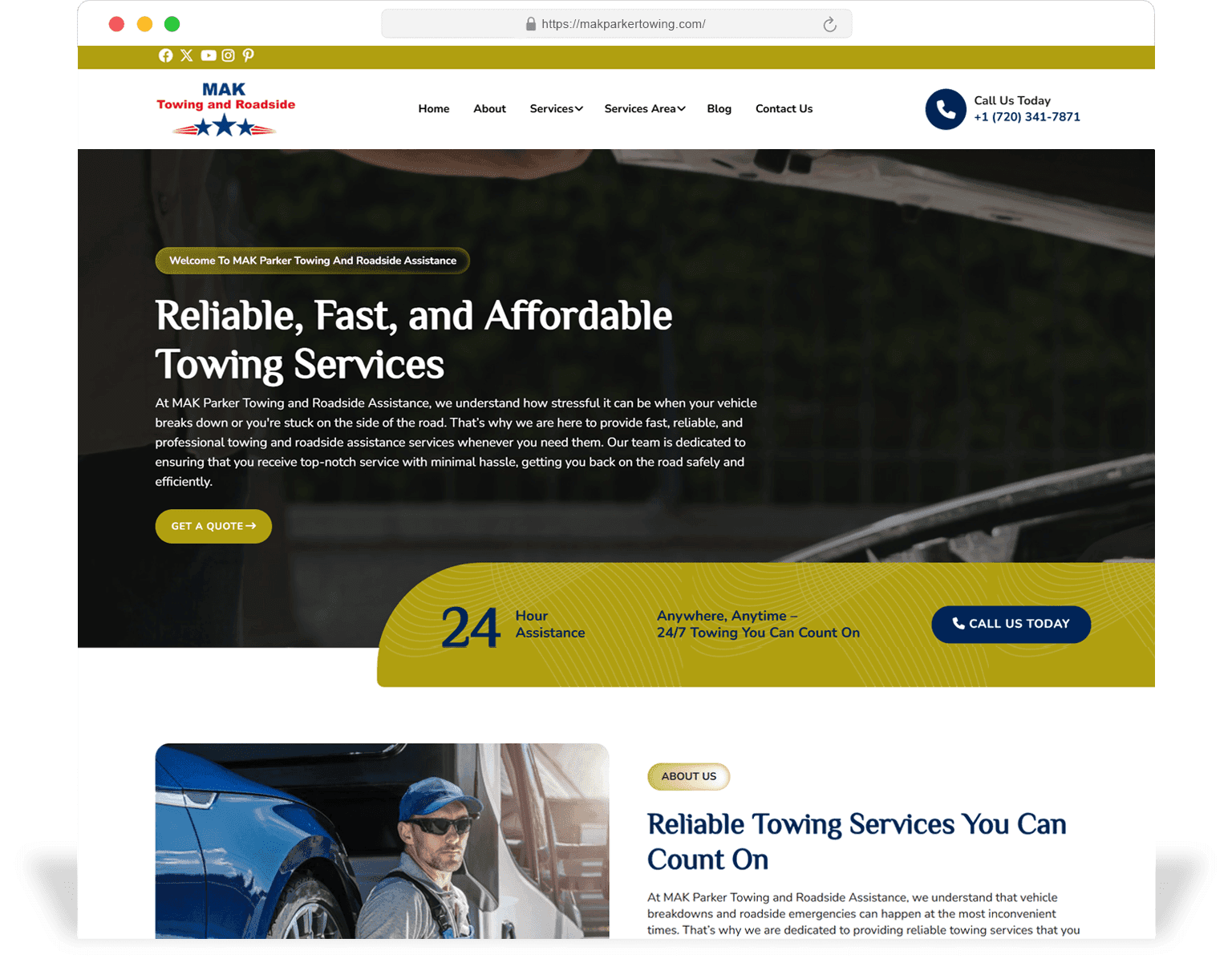
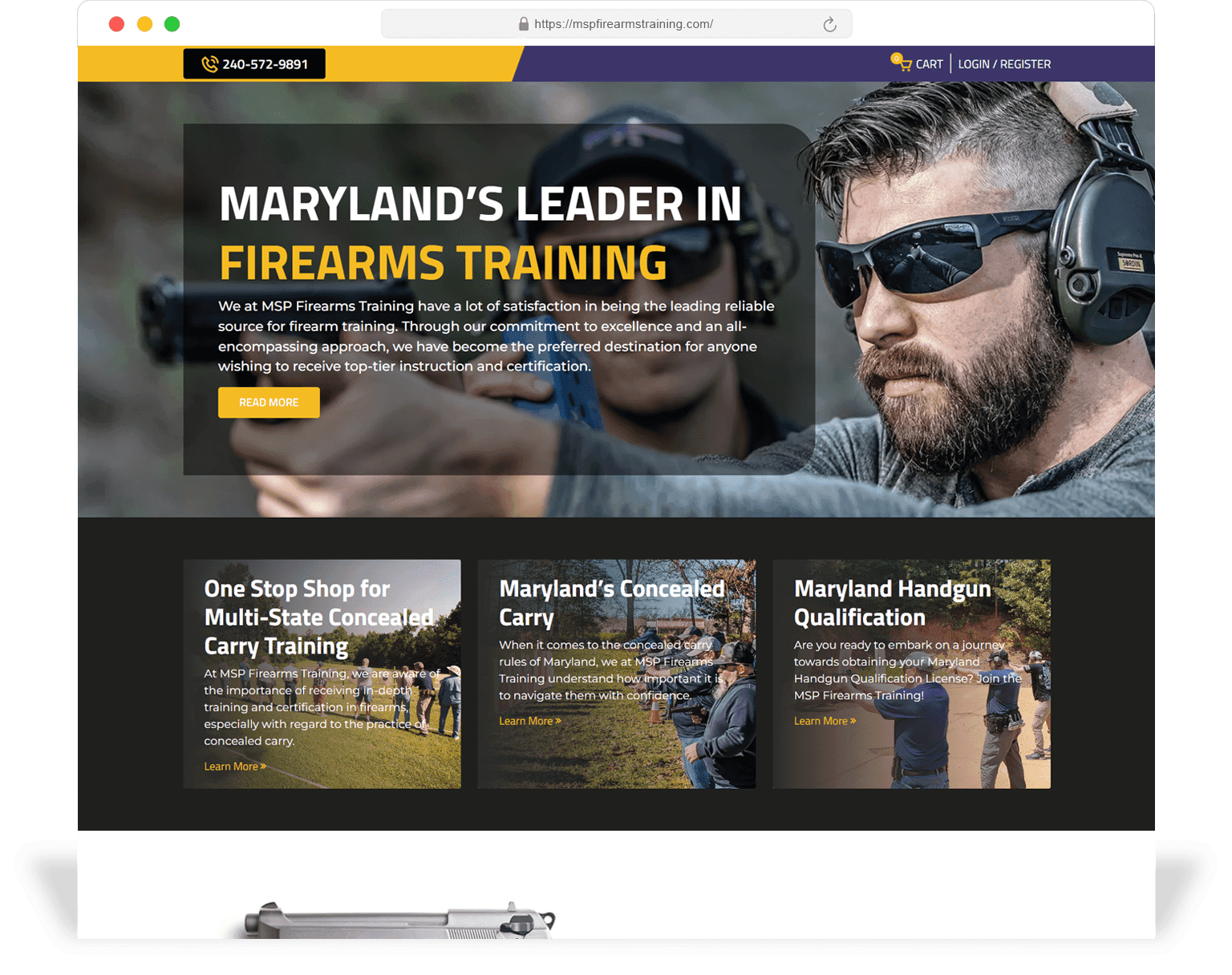
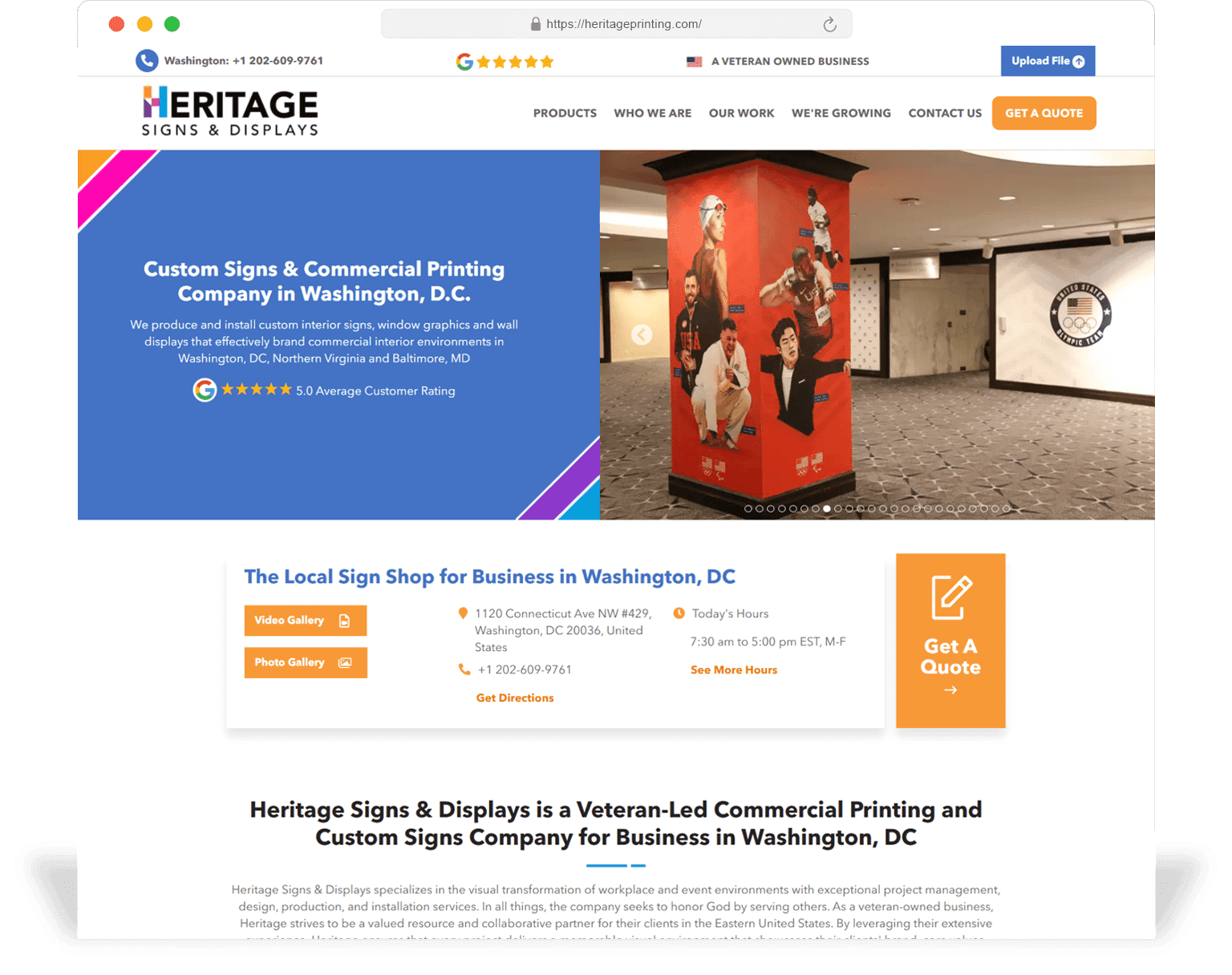
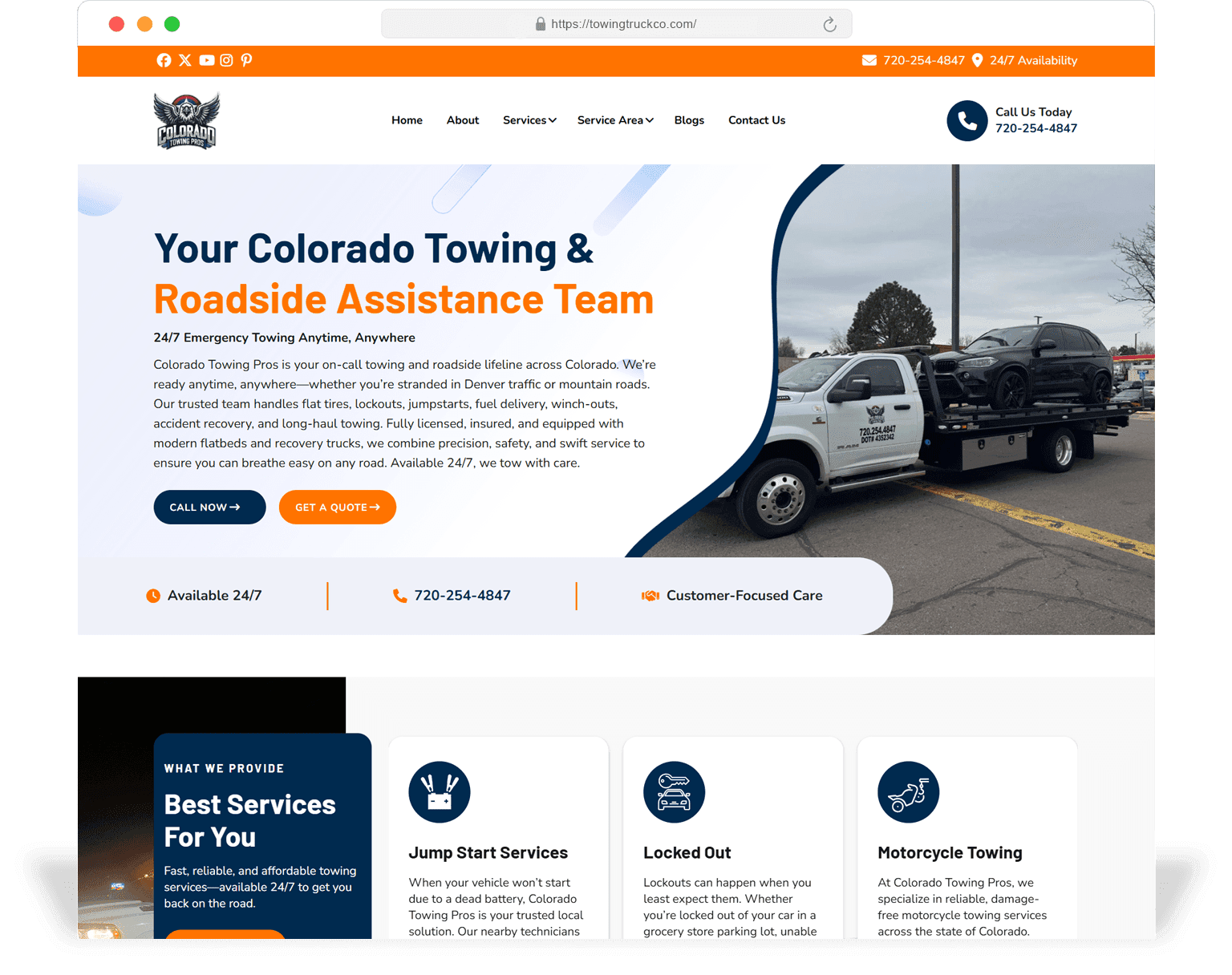
A small slice of recent shipped builds. Click into any case study for the technical scope and live URL.
Scope
A standard SeoMata web-development engagement includes the list below as part of base scope. Anything beyond it is a separately scoped line item, agreed before work starts.
Repo + CI/CD pipeline
Private GitHub repo, branch protection, PR review required, Lighthouse CI on main templates, preview deploy per branch.
Design system implementation
Design tokens mapped to CSS variables, component library built to the design system spec, Storybook (optional) for the team.
Templated routes
Every page type with > 5 instances ships as a templated route with a content model and editor-friendly UI.
CMS integration + content modelling
Sanity, Strapi, WordPress or Shopify content modelled around the page-type catalogue. Editors get clear field labels and helper text.
Integrations
CRM, analytics, scheduling, payment, call tracking — wired against your accounts, with named owners on both sides.
Performance + accessibility
Lighthouse + axe-core pass on the top templates, automated in CI, with a documented regression process.
Monitoring + on-call
Sentry + uptime checks, on-call engineer paged on production errors, weekly health report during the first 30 days.
Documentation + training
Runbook in repo, editor training video + guide, architecture diagram, issue templates.
Yes. Roughly a third of our engagements are co-builds where SeoMata owns IA, design system, SEO scaffolding and a few key templates, while your in-house team owns the rest. We document hand-off boundaries up front so there is no ambiguity.
Usually yes. We will only recommend a platform change if the current platform is the actual blocker to your goals — not because we prefer another stack.
Full URL inventory, 301 redirect map, metadata migration, internal-link rebuild, schema re-implementation, sitemap + GSC re-validation. Most of our re-platform projects hold or grow organic traffic through cutover.
8–14 weeks for a typical 30–60 page service-business marketing site, including integrations. Larger multi-location or multi-product builds run 14–22 weeks.
Yes — we have a 4–6 week "Fast Start" track that ships a constrained surface (5–8 templates) on the standard stack, then expands on a retainer.
Yes — see /design-development/mobile-app-development. We typically prefer to ship the marketing site first and then build mobile on top of the same content / API layer.
The fastest start is a free 30-minute technical audit. We will look at the current build, the integrations, the analytics setup and the conversion funnel, and come back with a prioritised opportunity list plus a rough budget — usually within 3 business days.
Related services
Next step
Start with a free build health audit. SeoMata will show where development decisions are quietly limiting SEO, UX, speed, or future scalability — and outline a remediation roadmap your developers can ship.