
Neighborhood vs City vs Service Area Pages in Local SEO
Neighborhood, city, and service area pages serve different intents. A decision tree for which to build, when, and how to combine them.
Neighborhood vs City vs Service Area Pages in Local SEO
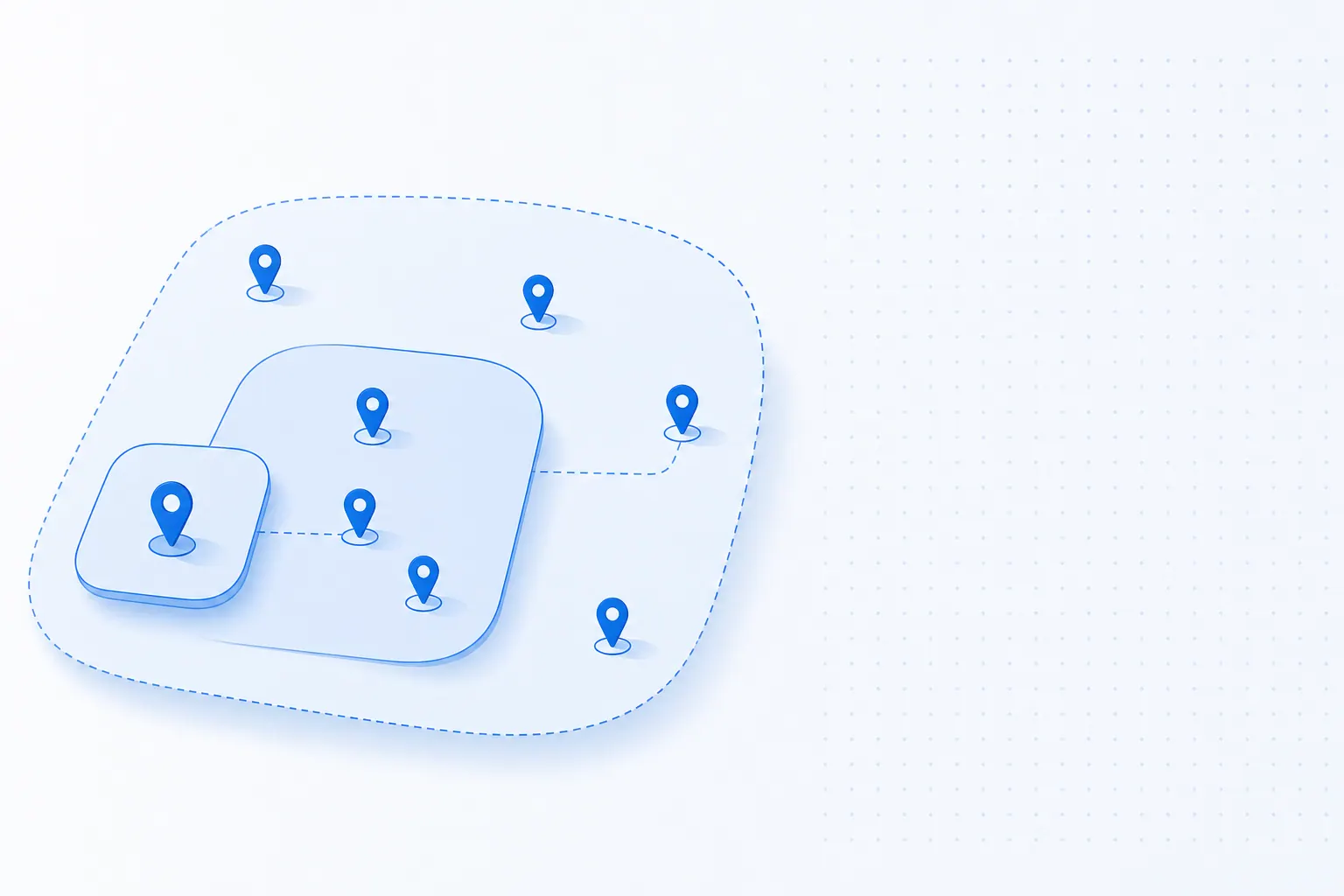
Any agency that has run local SEO for service businesses has hit this question: do we build a bunch of city pages, or a smaller number of deeper neighborhood pages, or just one service-area page covering everything? In Google's eyes these three page types are fundamentally different assets — and conflating them is the fastest way to waste a quarter while never moving rank. This article walks through the differences, the right use case for each, and how to combine them into a layered pyramid that compounds.
The Core Differences Between Neighborhood, City, and Service Area Pages
| Type | Coverage | Granularity | Typical Query |
|---|---|---|---|
| City page | One city | 1 city = 1 page | "locksmith denver" |
| Neighborhood page | One neighborhood inside a city | 1 neighborhood = 1 page | "locksmith capitol hill denver" |
| Service area page | Multiple cities / metro region | 1 region = 1 page | "locksmith denver metro" |
Knowing which type matches your real-world service footprint is a strategic decision, not a templating one. Pick wrong and you build pages Google never ranks. Pick right and you build a moat competitors take years to cross.
When to Build City Pages
City pages fit when your service genuinely covers multiple cities and each city has real, ongoing operational presence. Example: dispatching technicians to Denver, Aurora, Lakewood, and Centennial — with 20+ monthly jobs in each.
Decision criteria:
- The city itself has enough search volume (verify with Google Keyword Planner that your primary query has at least 500 monthly searches).
- You have provable service footprint there: reviews, case studies, GBP service-area coverage.
- Real differentiation between cities exists (response time, pricing, partner team composition).
Common mistake: building stacks of city pages for cities you have never actually served. Google's spam systems flag these immediately as thin duplicate content, and the penalty drags down site-wide authority. Build a city page only after you can write 800+ words of unique, locally specific content for it.
When to Build Neighborhood Pages
Neighborhood pages fit large cities where service density is high and meaningful neighborhood-level differentiation exists. Typical scenarios:
- Cities with strong neighborhood search habits (NYC, LA, Chicago — users search "salon brooklyn" more than "salon new york").
- Service-business types with strong local micro-flavor (nail salons attract very different clientele in different neighborhoods).
- You can write genuinely differentiated content per neighborhood (street landmarks, typical customer profile, distinct service hours).
Decision criterion: use Google Trends to compare "service + city" vs "service + neighborhood" search trends. If neighborhood-level queries are trending up or already substantial in volume, neighborhood pages pay off.
Common mistake: copy-paste the same template across neighborhoods, swapping only the neighborhood name. Google's algorithm spots this "doorway page" pattern within weeks. Each neighborhood page needs authentic, independent local information or it actively hurts the parent domain.
When to Build Service Area Pages
Service area pages fit two scenarios:
- Your business covers a multi-city metro region but no single city has enough volume for a standalone city page (e.g., "Bay Area moving service" covering 8–10 cities, each individually small).
- Mobile or on-site service where buyers searching "near me + service" already expect "they dispatch a technician inside a radius."
A service area page treats coverage itself as the core asset — typically with a map, a coverage list, response-time differences across zones, and a typical service radius. Pair the page with the SeoMata local SEO service for proper schema and footprint mapping.
Common mistake: using a service area page as a substitute for city pages. The page ends up too generic for city queries and too vague for neighborhood queries, landing in a competitive no-man's-land where it ranks for nothing.
The Pyramid Strategy: Combining All Three
For mature local businesses, the optimal structure is a layered pyramid:
- Top layer: 1 service area page covering the whole metro region — also serves as a brand pillar page.
- Middle layer: 3–8 city pages covering the top revenue-producing service cities.
- Bottom layer: 6–20 neighborhood pages inside the highest-volume cities where neighborhood queries are real.
Connect the three layers with breadcrumbs and contextual links — service area to city to neighborhood. This structure both captures the full range of granularity in user search intent and helps Google understand your real-world local distribution. The architecture itself becomes a ranking signal.
Three Common Pitfalls to Avoid
- Using one template for both service area and neighborhood pages. Search intent is completely different. Template reuse strips both pages of their targeting power.
- Not syncing GBP service-area fields with the website. If the site claims coverage of 50 cities but GBP service area shows only 3, the algorithm flags the mismatch and discounts both signals.
- Not embedding local proof. Every city and neighborhood page should include 1–2 local reviews or named case studies. Without local proof, the page reads as a shell.
Where to Start If You're New to Local SEO Pages
If you are just starting on the local SEO page architecture, follow this order:
- Make the core city pages bulletproof first (1–3 cities, each with 1000+ words of deep, locally specific content).
- Wait three months. If the city pages rank stable and bring real organic traffic, then evaluate adding neighborhood pages.
- Neighborhood pages are a refinement step after city pages succeed, not a shortcut before city pages mature.
Trying to ship a stack of city pages plus a stack of neighborhood pages plus a service area page in the same quarter is the signature of failed local SEO projects we audit. The breadth dilutes depth on every page. Start narrow, prove the playbook, then scale. Combine the architecture with the Google review growth service so each new local page launches with embedded trust signals.
FAQ
How many city pages should I build?
Start with three. If you cannot write 800+ words of genuinely unique, locally specific content for a city, do not build the page. Most service businesses overestimate how many cities they can credibly serve; restrict to where you actually operate.
Will Google penalize me for similar neighborhood pages?
Yes, when similarity crosses roughly 70 percent shared content. The doorway-page algorithm catches templates with only name swaps. Different opening paragraphs, different testimonials, different photos, different local landmarks — these are non-negotiable per neighborhood page.
Should I use a template across all pages?
A shared layout is fine. A shared text template is not. Use the same H2 structure and section ordering across city pages, but write each section from scratch for each location. The HTML template repeats; the content does not.
Do I need a physical address per page?
Only if you have a real location there. Faking addresses violates GBP policy and triggers suspensions. For service-area businesses without local offices, use service-radius language and skip the address element entirely.
Conclusion and Next Steps
Pyramidal architecture is the durable answer: one service area page on top, a handful of city pages in the middle, neighborhood pages at the bottom where volume justifies them. For deeper reading, see the SeoMata SEO guides library or Google's official service-area business documentation.
- Map your real service footprint against the pyramid model. Identify gaps using the SeoMata local SEO service framework.
- Build (or rewrite) one city page this month with 1000+ words of locally specific content. Track with the Google review growth service dashboard.
- After 90 days, evaluate adding neighborhood pages. Book a 30-minute diagnostic on our case studies page to compare against SeoMata client baselines.
Bottom line: don't build every page type at once. Build the right one for your real footprint, prove it, then layer.
Related articles
Google Maps Ranking Checklist for Local Service Businesses
21 checkable Google Maps ranking actions for local service businesses, grouped by "today / this week / this month". Pure action list, no theory.
Technical SEOThree Schema Tags Most Service-Site Owners Miss
Schema gives your site free extra SERP real estate — but 90% of service-business sites skip the three most basic tags. The cost compounds quietly.
SEOFirst-Screen 5 Seconds: Why Your Site Loses Visitors
53% of mobile visitors bounce before your first screen loads — not a traffic problem, a product one. Three common 5-second leaks and how to fix them.