
First-Screen 5 Seconds: Why Your Site Loses Visitors
53% of mobile visitors bounce before your first screen loads — not a traffic problem, a product one. Three common 5-second leaks and how to fix them.
First-Screen 5 Seconds: Why Your Site Loses Visitors
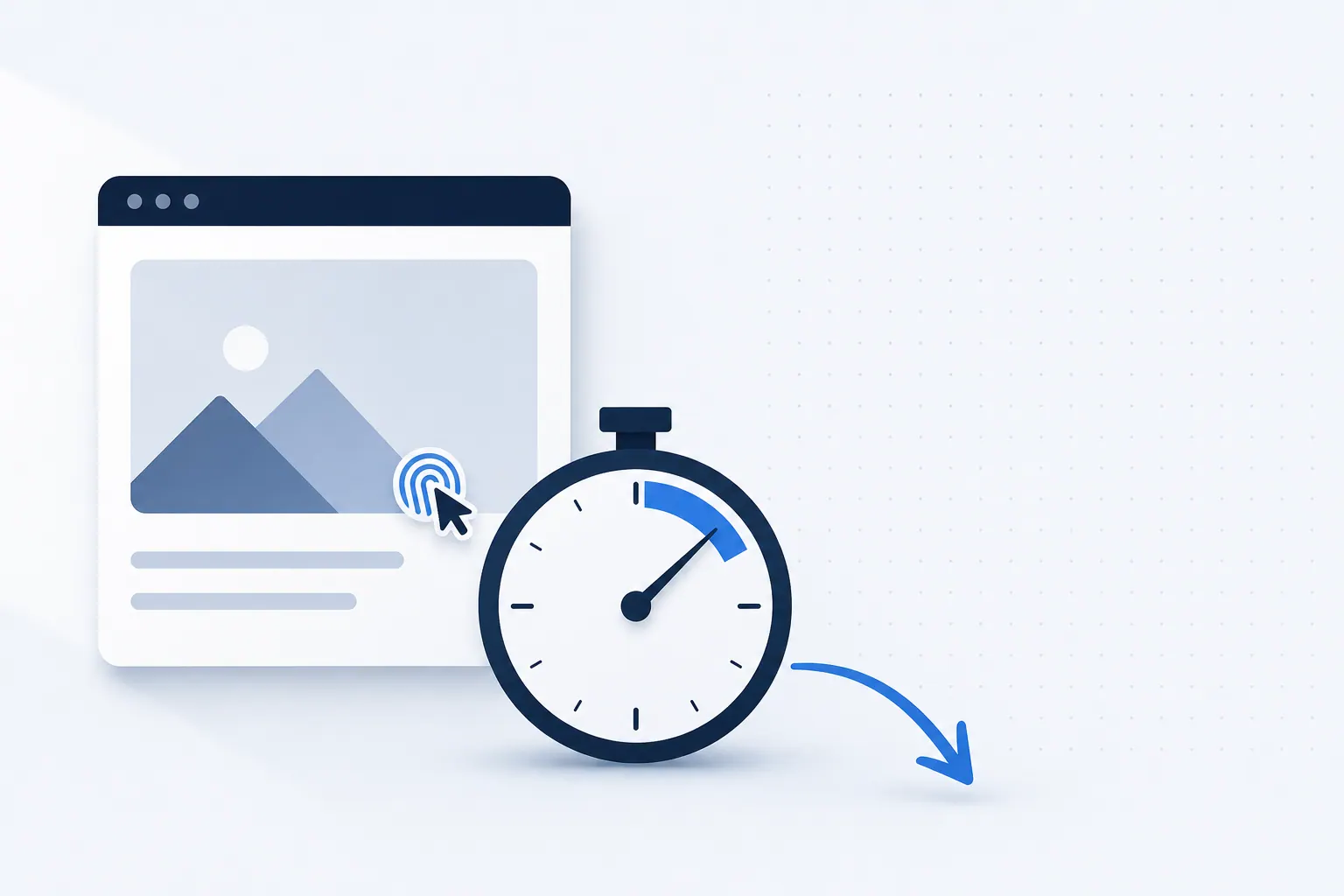
SEO teams love staring at traffic curves. But the first five seconds after the traffic lands is where everything is decided. Visitors use those five seconds to decide whether to keep reading, whether to call, whether to click your CTA. Google's own data confirms it repeatedly: when a mobile first screen takes more than three seconds to render, 53 percent of users leave. Past five seconds, the bounce rate matches the worst PPC landing pages we have ever audited.
Yet most local business SEO reports never examine those first five seconds at all — because the traffic numbers look fine, the team assumes SEO is "done." That mindset turns SEO into a traffic game when it should be a business game. After auditing dozens of service-business sites in the SeoMata client portfolio, we found that three root causes account for the vast majority of 5-second leaks. Each one is fixable in days, not months.
The Three Root Causes of 5-Second Bounces
Before getting into each fix, an orientation: a 5-second leak is rarely a single bug. It is usually one of three repeating patterns we see across verticals. Diagnosing the right one saves weeks of guessing. Here is the order in which we typically find them, weighted by frequency in our audits.
Root Cause 1 — A Loaded First Screen That Doesn't Say What You Do
Many service-business sites open with the same template: a full-bleed hero image, a marketing slogan ("Striving for your success"), and a button whose destination is unclear. The visitor scans for one second, spends two seconds wondering "is this an HVAC company or a remodeling company?", and leaves at second three.
The test is simple. Screenshot your homepage and send it to someone outside your industry. Ask them "what does this company do, and what could I get from them?" If they can't answer in three seconds, your first screen has a clarity problem, not a design problem.
How to fix it:
- Use plain business language in the headline, not marketing rhetoric. "Denver 24/7 mobile towing" beats "We are here to keep you moving" every time.
- Add a subheadline that answers "for whom and what problem." Example: "For drivers, retailers, and fleets — emergency tow-outs and roadside recovery."
- Write your primary CTA as "verb + specific content + time promise." Example: "Call (303) XXX-XXXX — dispatched within 30 minutes."
Root Cause 2 — Slow LCP That Nobody Monitors
Largest Contentful Paint (LCP) is the Core Web Vitals metric that most directly drives first-screen perception. The ideal value is 2.5 seconds or less. In our audits of local business sites, roughly 65 percent of homepages have an LCP above 4 seconds — and the site owner usually has no idea that number even exists.
The slowdown causes cluster tightly: uncompressed hero images, render-blocking third-party scripts (live chat, analytics, emoji widgets), self-hosted fonts that aren't preloaded, missing CDN configuration. None of these is a hard problem. They are all "no one is watching" problems.
Fix checklist:
- Run PageSpeed Insights on your homepage and record LCP, CLS, and INP.
- Convert the hero image to WebP or AVIF format, keep it under 200 KB.
- Add
deferorasyncto every third-party script you can. - Inline critical CSS in the
<head>and lazy-load non-critical CSS. - Enable a CDN (Cloudflare's free tier is enough) and turn on Brotli compression.
The SeoMata technical SEO service includes monthly LCP monitoring so this metric never drifts unnoticed.
Root Cause 3 — Invisible Mobile CTAs Hidden Below the Fold
Designers usually work on a 1920 by 1080 desktop canvas, where the CTA looks "large and obvious" in the hero. But mobile visitors arrive on a 375 by 667 screen, and the hero often eats the entire first screen — pushing the CTA into "scroll to see" territory.
We ran a simple experiment on one client site: drop the mobile hero height from 100vh to 60vh, letting the CTA appear above the fold. Call events lifted between 18 percent and 35 percent in three weeks. No copy change, no design polish — just one CSS value.
Verification steps:
- Open Chrome DevTools and switch to an iPhone 14 or Pixel 7 viewport.
- Load your homepage and do not scroll. Check whether your CTA (call button or primary action) is fully visible.
- If you need to scroll, drop the hero height immediately.
A Real Conversion Lift From a Single Height Tweak
The client mentioned above is an HVAC company in the Denver metro. Before the change, monthly call events from mobile organic landed around 110. After the hero-height drop, the next month closed at 148 — a 34 percent lift — with no other change. The same client later combined the height fix with copy rewrites and now sits at over 200 monthly call events, illustrating that first-screen fixes compound with downstream improvements.
This is not a special case. The pattern repeats across verticals because the underlying human behavior is the same: visitors decide quickly, and they decide based on what they can see without effort. Making the primary action visible without scrolling is the single highest-leverage change you can make in any first-screen optimization sprint.
A Unifying Optimization Principle
Five-second optimization is really about slicing the user's five seconds into three intent layers: "make sense → trust → act." Each layer maps to a specific design element. Making sense comes from a clear headline and subheadline. Trust comes from credentials, reviews, and authentic photography. Acting comes from a visible, specific CTA. Break any one of these layers and the whole chain collapses.
Next time you open your GA4 report, pair "bounce rate plus average session duration" with "first-screen 5-second experience." If traffic is climbing but bounces are climbing too, the first screen is almost always the culprit. Pair that diagnosis with the SeoMata local SEO service framework and you have a clean, measurable improvement path.
FAQ
How do I quickly test if my first screen is the problem?
Open your site in a private window on a mid-range Android phone, time-block five seconds, and ask: "did the headline tell me what this business does, did I see a CTA, and did I trust the visual?" If two of three are no, the first screen is your bottleneck.
How long does first-screen optimization take?
Most fixes ship in one to two weeks. Hero image compression and CTA repositioning are one-day jobs. CSS critical path work and third-party script deferral take three to five days of front-end work. The PageSpeed Insights score usually improves within the first deploy.
Does first-screen quality affect SEO rankings?
Yes. Core Web Vitals are part of Google's page-experience signals. LCP, CLS, and INP all feed into ranking decisions for competitive queries. Faster first screens also reduce pogo-sticking, which Google's behavioral signals interpret as relevance.
Should I A/B test first-screen changes before rolling out?
For small sites under 10,000 monthly visitors, A/B tests rarely reach significance fast enough. Ship the change, watch GA4 for two to four weeks, and roll back if metrics worsen. Larger sites with traffic can A/B test confidently.
Conclusion and Next Steps
Most traffic that bounces in five seconds is not lost because Google sent the wrong query. It is lost because the first screen failed at sense, trust, or action. Audit your three root causes, ship the obvious fixes, and watch the downstream metrics move within a month. For deeper guidance, see the Google web.dev LCP reference and pair the work with the SeoMata local SEO service framework.
- Run PageSpeed Insights on three top pages and log LCP, CLS, and INP. Match the numbers against the SeoMata SEO guides library for prioritization.
- Ship one hero image compression, one script defer, and one CTA reposition this week. Track the change with the technical SEO service monthly dashboard.
- If bounce rate stays stuck after 30 days, the bottleneck is likely off-page. Book a 30-minute diagnostic on our case studies page to compare against client baselines.
Bottom line: traffic is acquired in months. Visitors are lost in seconds. Win the seconds.
Related articles
Google Maps Ranking Checklist for Local Service Businesses
21 checkable Google Maps ranking actions for local service businesses, grouped by "today / this week / this month". Pure action list, no theory.
Technical SEOThree Schema Tags Most Service-Site Owners Miss
Schema gives your site free extra SERP real estate — but 90% of service-business sites skip the three most basic tags. The cost compounds quietly.
Local SEOGoogle Maps Rating 4.2 vs 4.8: Why 0.6 Stars = 3x Clicks
On the same Local Pack rank, a 4.8-star listing pulls ~3x the calls of a 4.2 competitor. Rating leverage beats rank pushing for local service brands.