GBP Suspended? A 5-Step Recovery Playbook
The "Your Business Profile has been suspended" email is terrifying. A time-ordered 5-step recovery playbook from 14 successful client appeals.
GBP Suspended? A 5-Step Recovery Playbook
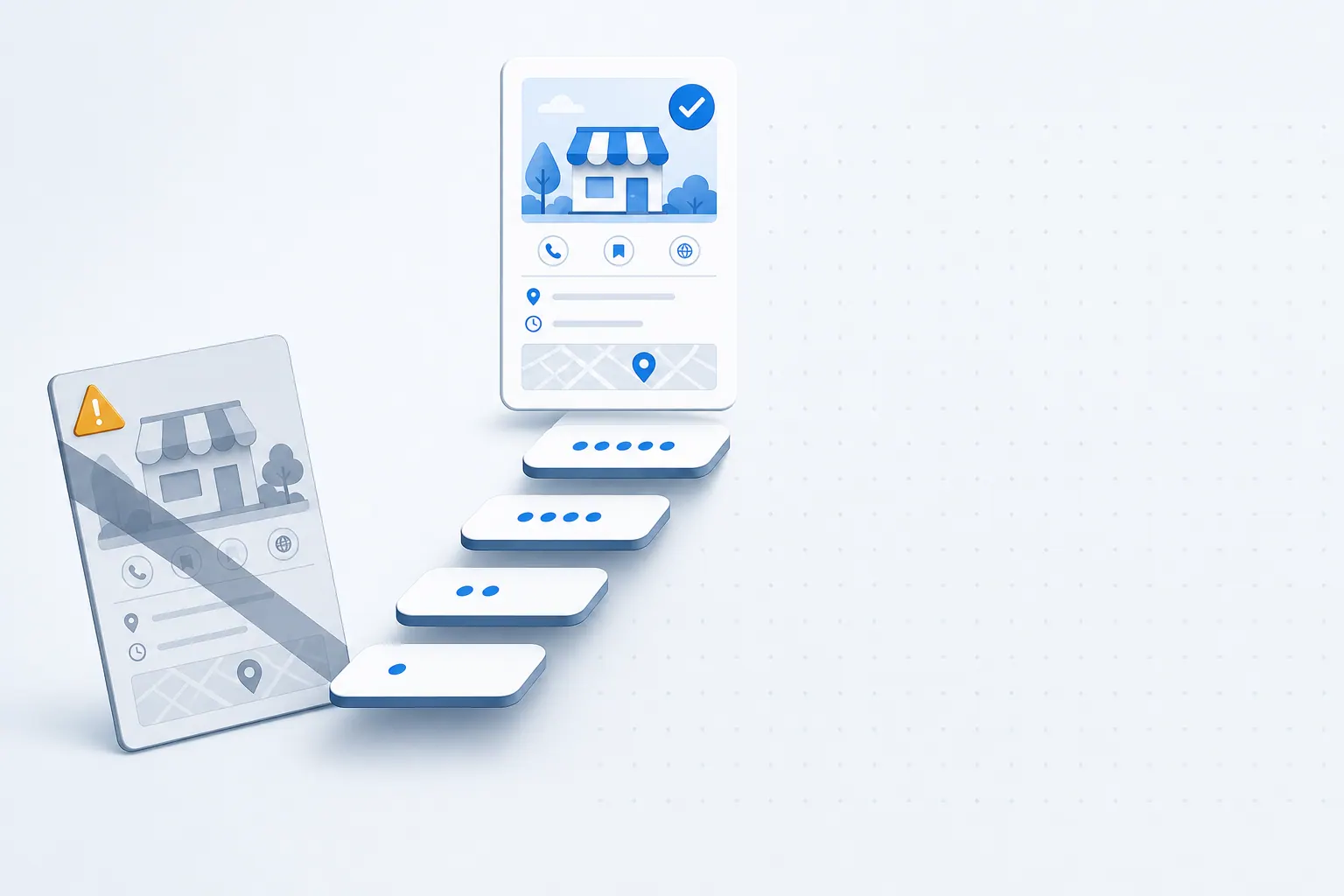
"Your Business Profile has been suspended." When that email shows up in your inbox, the first reaction is panic. Map rankings drop to zero instantly, the phone goes quiet, the contact form goes quiet, and even your PPC landing pages stop converting. This article is a time-ordered recovery playbook based on three years of SeoMata's experience guiding 14 successful client appeals across home services, healthcare, legal, and ecommerce verticals.
Step 1 (First Hour): Identify the Exact Suspension Type
GBP suspensions come in three flavors. Each requires a completely different response path.
- Soft suspend. Listing is still online but users cannot find it in search. The owner dashboard shows "Suspended." Usually triggered by an automated review rule.
- Hard suspend. Listing disappears completely. Owner dashboard shows "Suspended" and editing is locked. Usually involves suspected core-policy violation.
- Disabled. Account-level ban. Can affect multiple GBPs simultaneously. Most severe level — requires a full account appeal, not just a listing appeal.
Log into GBP Manager and read the exact status text on screen. Classify correctly before doing anything else. The wrong appeal path wastes weeks.
Step 2 (First 4 Hours): Three Things to Never Do
These are the self-inflicted wounds we see most often. Each one turns a recoverable suspension into a permanent ban.
- Do not immediately edit the GBP profile. Editing while suspended invalidates several appeal paths automatically.
- Do not immediately submit an appeal. Gather evidence first. Rushed appeals have a pass rate near zero.
- Do not contact support across multiple Google products simultaneously (Ads, Analytics, Workspace). The system flags this as duplicate contact and triggers stricter manual review.
Step 3 (First 24 Hours): Build the Evidence Packet
Successful appeals hinge on "abundant evidence aligned with the system's interpretation." Prepare these 7 documents and scan them to PDF:
- Business license including registered address.
- Utility bills from the last 3 months matching the GBP address.
- Storefront photos showing house number, signage, and interior view.
- Employee photos in uniform inside the storefront.
- Outgoing invoices or contract samples with company letterhead and address.
- Lease agreement first page showing address and tenant name.
- Google Maps satellite screenshot with the storefront location annotated.
You will not need every document on every appeal, but a complete packet prepared up-front lets you respond to second and third rounds of follow-up questions in hours instead of days.
Step 4 (Within 72 Hours): Submit via the Official Reinstatement Form
Do not go through general support. Google has a dedicated Reinstatement Request Form for GBP suspensions. The submission path:
- Sign in to the suspended account's GBP dashboard.
- A red banner at the top should display an "Appeal" button.
- Click through and complete the form per the prompts.
Form completion tips:
- For "Reason for suspension," select "Unsure" rather than guessing. Wrong attribution makes the reviewer evaluate against the wrong rule set.
- Write "Additional information" as a neutral, factual, time-ordered description. Skip the emotional framing.
- Upload the evidence packet as a single merged PDF (cover sheet → business license → utilities → photos).
- If your business is service-area (SAB), explicitly state it and explain why no physical storefront address is published. Pair with the SeoMata local SEO service SAB compliance checklist.
Step 5 (Days 7–21): Wait and Have a Plan B
Google's stated processing window is 3 business days. Real-world experience is 7–21 days, with complex cases stretching to 30. During the wait:
- Do not resubmit the appeal. The system flags repeat submissions as spam and pushes them to the back of the queue.
- Do not vent publicly on Twitter or forums. Owners hope social pressure speeds the review. The actual effect is the opposite — reviewers become more cautious.
- Reroute traffic temporarily: PPC, social, organic search to your site. Avoid going completely dark.
- Proactively reach out to leads from the suspension window using customer contacts captured before the suspension. This recovers a meaningful portion of the lost pipeline.
If Your First Appeal Is Rejected
Roughly 40 percent of first appeals are rejected. Do not resubmit immediately. Do these three things first:
- Read the rejection email carefully, word by word, even when phrasing is vague.
- Adjust the GBP profile per the cited reason (e.g., address proof insufficient → add a more recent utility bill).
- Wait 24–48 hours before submitting the second appeal so the system does not classify it as a duplicate.
How to Prevent a Second Suspension
After a successful reinstatement, most owners relax and forget prevention. Second-suspension risk is actually higher — Google's system applies stricter ongoing monitoring to accounts with suspension history.
Prevention checklist:
- Do not frequently edit core fields (business name, address, phone). Every edit triggers re-review.
- Do not stuff keywords into the business name ("Denver Best Locksmith — APEX Locksmith"). This is the single most common suspension trigger.
- For SAB businesses, ensure "Hide my address" is enabled. Otherwise the system flags the profile as a fake storefront.
- Category changes are risky. Major shifts (e.g., from "repair" to "sales") almost always trigger review.
- Do not share phone numbers or addresses across multiple GBPs.
When to Call in Professional Help
If your appeal is rejected three times in a row, or your business sits in a Google-sensitive category (healthcare, legal, finance, repair), engage a specialist with documented GBP appeal experience. These experts maintain current knowledge of hidden rule changes and prevent costly trial-and-error cycles. Combine the appeal work with SeoMata Google review growth service so the listing has fresh trust signals immediately after reinstatement.
FAQ
How long does the typical recovery take?
For first-time, well-prepared appeals: 7–14 days. For appeals after one rejection: 14–30 days. For appeals in sensitive categories: 30–60 days. Plan business continuity for the full window.
Can I keep running PPC during the suspension?
Yes. PPC and GBP are independent surfaces. PPC can carry traffic during the wait. Just ensure the landing page is fully functional and conversion-optimized.
What if Google asks for a video walk-through?
Google increasingly requests live video tours of the storefront. Use a phone, walk from the street through the door showing signage, into the workspace, panning to staff and equipment. Submit unedited.
Will my reviews and photos return after reinstatement?
Yes. All historical reviews, photos, and ranking signals are restored on reinstatement. The data is preserved during suspension, just hidden from public view.
Conclusion and Next Steps
GBP suspension feels catastrophic in the first hour. With a structured 5-step playbook, it is recoverable within weeks in most cases. For deeper reading, see the SeoMata SEO guides library or the official Google reinstatement help page.
- Within the first hour, classify the suspension type and begin assembling the evidence packet using the SeoMata local SEO service checklist.
- Submit through the official form within 72 hours. Track recovery via the Google review growth service dashboards.
- If the appeal is rejected twice, escalate. Book a 30-minute diagnostic on our case studies page for SeoMata-managed reinstatement support.
Bottom line: do not edit, do not panic, do not vent. Classify, gather, submit, wait.
Related articles
Google Maps Ranking Checklist for Local Service Businesses
21 checkable Google Maps ranking actions for local service businesses, grouped by "today / this week / this month". Pure action list, no theory.
Technical SEOThree Schema Tags Most Service-Site Owners Miss
Schema gives your site free extra SERP real estate — but 90% of service-business sites skip the three most basic tags. The cost compounds quietly.
SEOFirst-Screen 5 Seconds: Why Your Site Loses Visitors
53% of mobile visitors bounce before your first screen loads — not a traffic problem, a product one. Three common 5-second leaks and how to fix them.